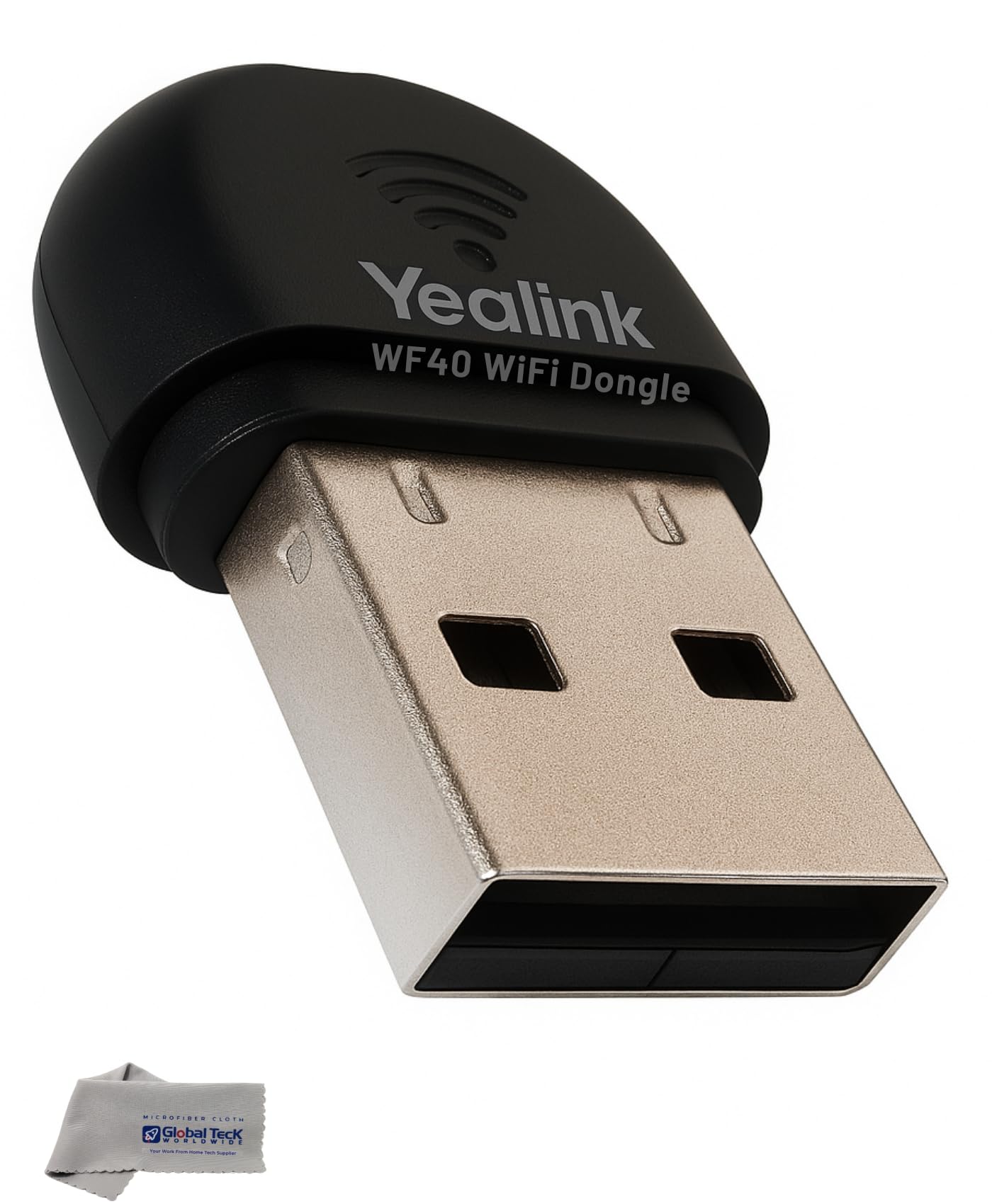
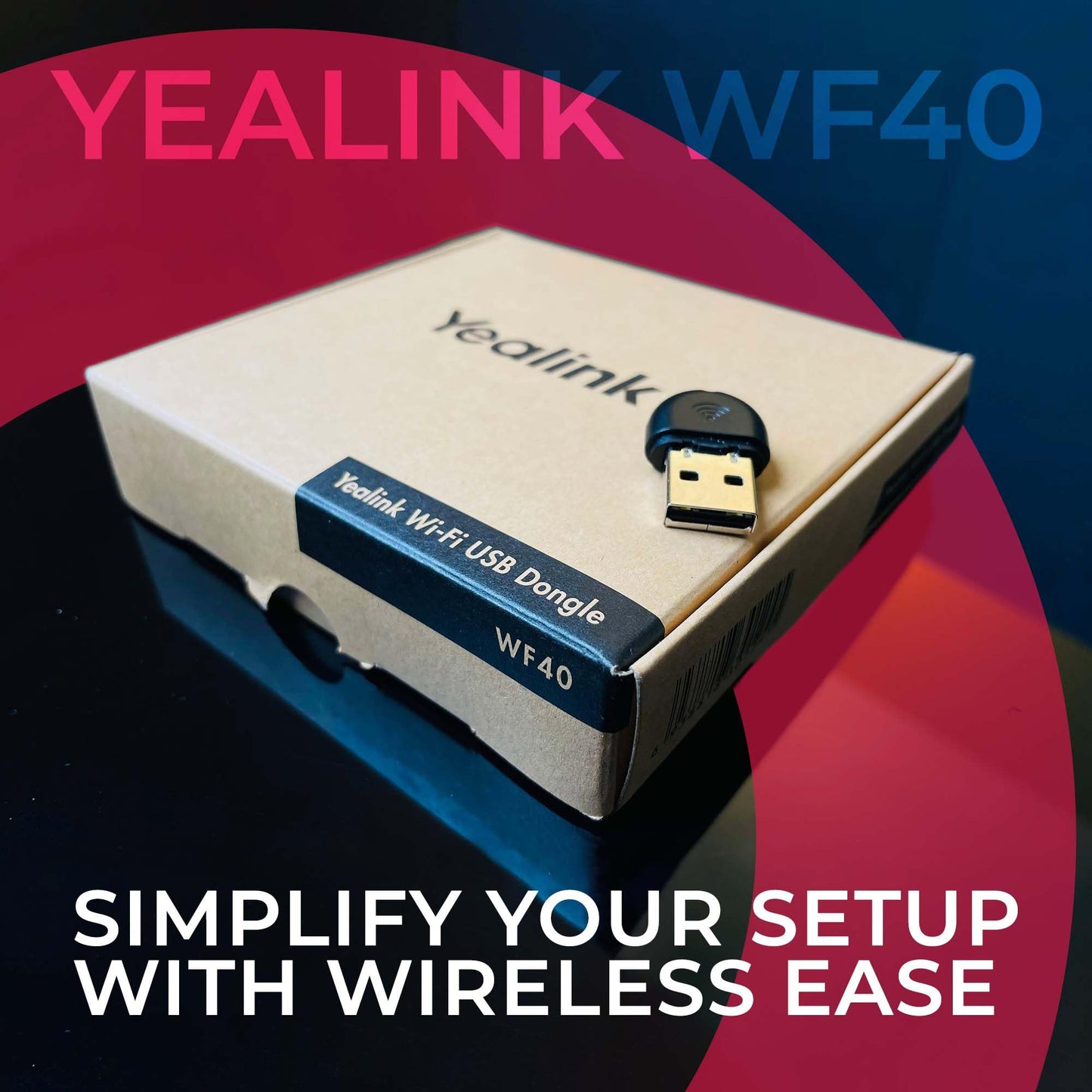
Yealink WF40 USB WiFi dongle is a WiFi adapter for YEALINK DESK PHONES ONLY It is NOT a WiFi adapter for computers, PCs, laptops, or tablets It does NOT add Bluetooth and it does NOT connect or pair Bluetooth headsets It supports 2.4GHz WiFi only and does not support 5GHz networks Compatible firmware is required on the phone or the WF40 may not be recognized
WHAT THIS PRODUCT DOES The Yealink WF40 enables compatible Yealink IP desk phones to connect to an office WiFi network instead of using an Ethernet cable, helping simplify desk phone installation where cabling is difficult
COMPATIBLE YEALINK PHONES Compatible with T27G, T29G, T41S, T42S, T46S, T48S, T46U, T48U, T42U, T43U, T44U, T52S, T54S, T53 Not compatible with T21P, T23G, T19P, CP920, W series cordless phones, or any non Yealink phones Verify your exact phone model on the back label before ordering
FIRMWARE REQUIREMENT Your phone must have compatible firmware installed before the WF40 will work T48G requires version 35 80 0 95 or higher T29G T46G T46S T48S require version 81 or higher T27G requires version 69 81 0 90 or higher If firmware is outdated the dongle may not be recognized and can appear defective, update firmware before purchase or installation
2.4GHz Connectivity ONLY WF40 supports 2.4GHz WiFi networks only, up to 150 Mbps It does not support 5GHz networks, confirm you have a 2 4GHz SSID available before ordering
INSTALLATION 1 Confirm your Yealink phone model is on the compatible list 2 Update phone firmware to the required version 3 Insert WF40 into the phone USB port 4 On the phone open Settings or Menu, then Network, then WiFi 5 Enable WiFi, select your network, enter the password, and connect
TROUBLESHOOTING NOT WORKING Confirm the phone model is compatible Confirm firmware meets the required minimum version Restart the phone after inserting the dongle Ensure you are connecting to a 2.4GHz network, not a 5GHz only network
WHAT’S INCLUDED Yealink WF40 USB WiFi dongle Global Teck Microfiber Cloth
BEFORE YOU BUY CHECKLIST I own a compatible Yealink desk phone model listed above My phone firmware meets the required version My office WiFi has a 2.4GHz network available I understand this is not for PCs or laptops and it does not add Bluetooth or connect Bluetooth headsets
• Bundle of 2 items: Yealink wifi adapter wireless usb dongle wf40 for Yealink Desk phones and Global Teck microfiber cloth; Insert WF40 into the Yealink phone USB port, enable WiFi on the phone screen and join your network, supports WPA WPA2 and WPA2 PSK security, WiFi signal must be 2.4ghz • FOR YEALINK DESK PHONES ONLY: Compatible only with the Yealink desk phone models listed below, not compatible with PCs, laptops, tablets, or computer USB WiFi use, not compatible with other phone brands, does not add Bluetooth and does not pair Bluetooth headsets • GOODBYE WIRES: With the Yealink WF40 powerful usb wifi adapter you can avoid running ethernet cables, drilling holes and other pains that come with installing Yealink desk phones; save time, money and frustrations • COMPATIBLE YEALINK MODELS: Compatible with T27G, T29G, T41S, T42S, T46S, T48S, T46U, T48U, T42U, T43U, T44U, T52S, T54S, T53, check the model number on the back label before ordering; will not work with other models, will not work with non Yealink phones • 2.4GHz WIFI ONLY: Connects to 2.4GHz WiFi networks only, up to 150 Mbps, not compatible with 5GHz networks, if your WiFi signal is 5GHz only the WF40 will not work use the Yealink WF50 which has both 2.4 and 5.0Ghz
Additional Information
Delivery Information
Delivery Information
Swift, Secure, and Reliable Shipping
At craftedyogi.com, we understand how important fast and dependable delivery is when it comes to your electronics. Whether it's a gadget, accessory, or device, we are committed to providing a seamless and efficient shipping experience to ensure your electronics arrive safely and on time.
Our Shipping Process
Order Processing
As soon as you place your order, our dedicated team begins processing it promptly to ensure quick dispatch. We aim to ship all electronics within 2 business days of order confirmation, excluding weekends and holidays.
Secure Packaging
Your electronics are valuable, and we treat them with the highest level of care. Each item is carefully packed using high-quality, protective packaging materials to prevent damage during transit. We ensure your products arrive in excellent condition, ready to use.
Shipping Partners
We partner with reputable and trusted shipping carriers to guarantee safe and timely delivery. Once your order ships, you’ll receive a tracking number so you can monitor your package in real time and stay updated on its delivery status.
Transit Time
USA Shipping: 4–7 business days after dispatch.
Shipping Costs
We Offer free shipping for Domestic orders inside USA.
Delivery Support
Our customer support team is here to assist you every step of the way. If you have any questions about your order, shipping timelines, or tracking details, please feel free to contact us:
We’re dedicated to ensuring your electronics reach you quickly and securely. Your satisfaction is our top priority.
Thank you for choosing craftedyogi.com for your electronics needs. We look forward to delivering innovation and convenience right to your doorstep. Unbox with confidence and enjoy your new technology!