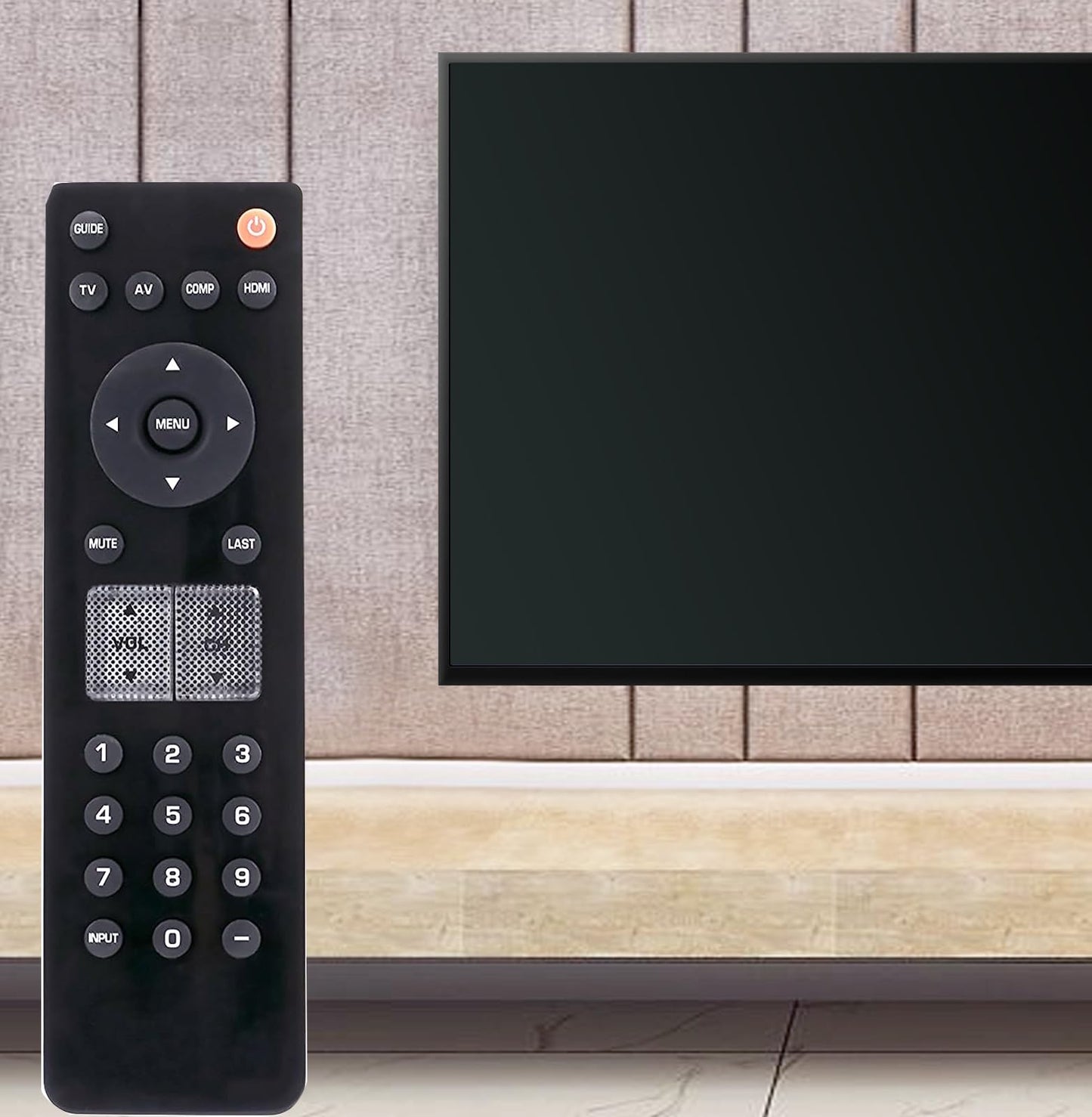
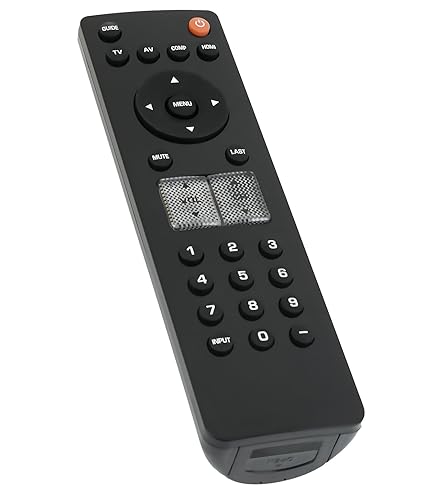
Description
Brand: VINABTY
New VR2 Remote Control for Vizio TV<br><br><br><b>THIS REMOTE OPERATES THE FOLLOWING MODELS:</b><br><br>098003053050 098003053000 098003053021 VL260M VL320M VL370M VL420M Vl470m VL420M-M Vl470m-m VW37L VO320E VO32OE VO320E-M VO320EM V0370M VO370M-C VO370MC VO420E VO420E-M VO420EM VP323HDTV10A VS420LF1A VU32LHDTV10A VU37LHDTV10A VW32LHDTV20A VW32LHDTV30A VW32LHDTV35A VW32LHDTV40A VW37LHDTV20A VW37LHDTV30A VW46LFHDTV10A VW46LFHDTV20A VW47L VW47LF VW47LFHDTV10A VX200E VXW20L VXW20LHDTV10A EURT29A001 098003053000 VECO320L VO400E VP322 VP322HDTV10A VP422 VP422HDTV10A VW46LF V0370M-C V0370MC VW37LHDTV40A VW42LFHDTV10A VW46L V0400E Vo22lhdFtv10a VXW20L HDTV10A VS420LF VW47L FHDTV10A VECO320L 1A VECO320L1A VP322 HDTV10A VP422 HDTV10A Vp42hdtv20a VF550M<br/>Please note: Please check the TV model number before to choice remote control, this is not a universal remote control.<br/>Trouble Shooting:<br/> 1.No response or does not work:<br/> 1)Solution:please try to Install 2pcs new AA alkaline batteries after you receive the remote control.<br/> 2)Please make sure your TV model number in the list.<br/> 3)Please make sure there is no block in front the remote control and TV. The control range is 10 meters, 30 degrees to 0 degrees.<br/> 2.After all If the remote still does not work or response to your TVs<br/> Solution: <br/> please help to try the following trouble shooting steps: <br/> 1)Remove the batteries from the remote. <br/> 2)Press every button on the remote at least 3-5 second time to drain any residual power. This also helps to check for stuck buttons.<br/> 3) kindly please help to check whether the IR sensor area of your TVs is clean, sometimes the dust will effect the IR sensor connection.<br/> 4) kindly please make sure nothing is blocking on the front of your TVs, make sure it does not have any barriers between your TV and remote; please point the remote control toward the remote control sensor on the TVs.<br/> 5) Insert 2pcs new AA alkaline batteries into the remote, please do not use AA batteries, please do not use rechargeable batteries. Make sure the batteries are correctly installed with the positive and negative ends in the right direction. The correct battery installed way is + to - ; - to + polarity. If install opposite, the remote should not work.<br/> 6) Unplug the power supply of your TVs and then plug it back to restart it. Then try the remote again.
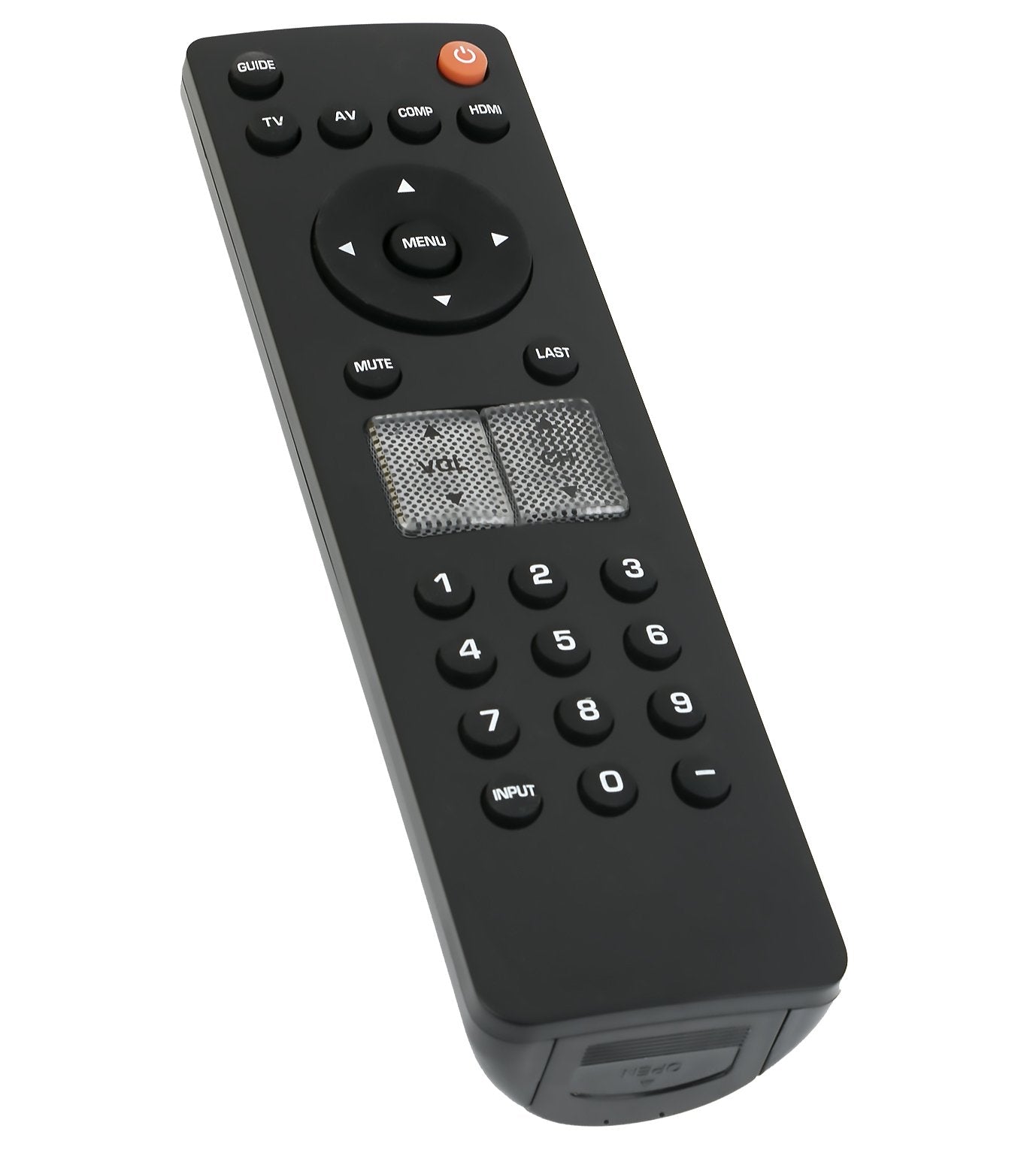
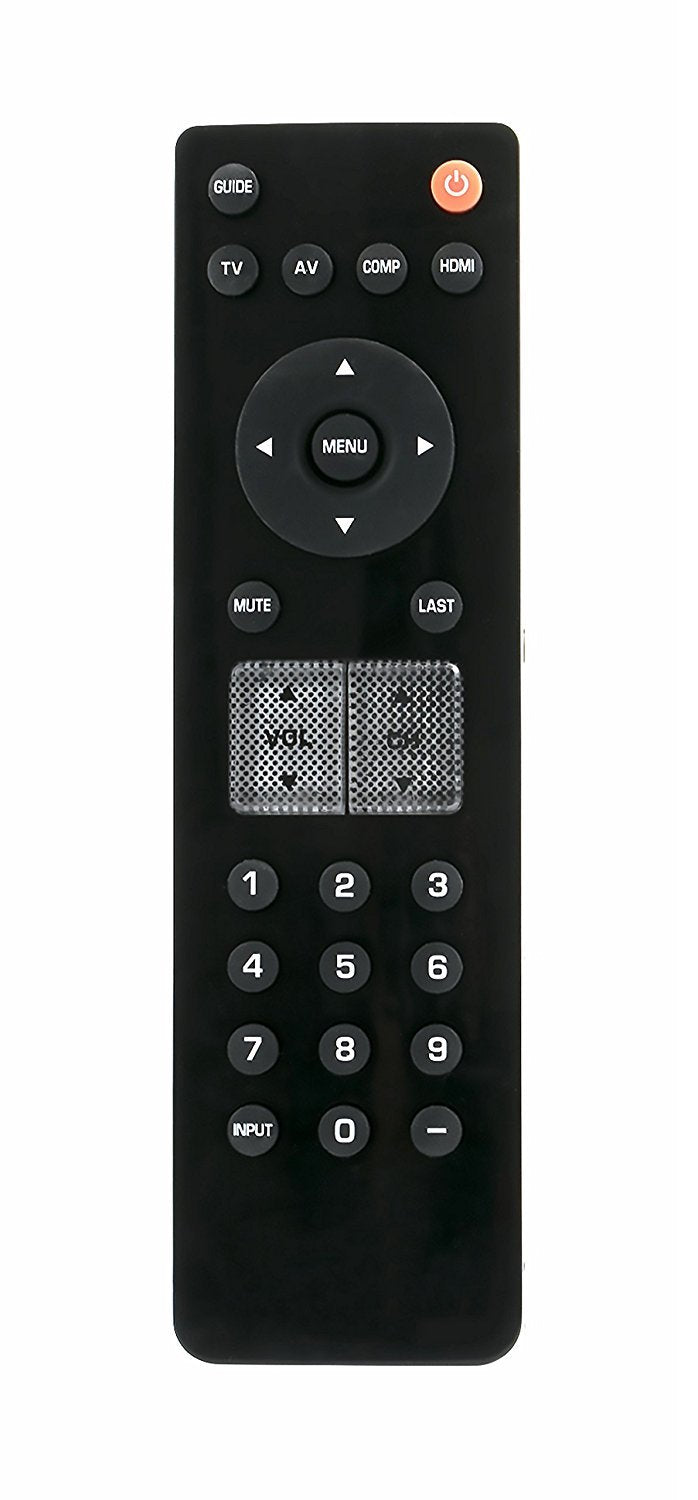
• New VR2 Remote Control Replacement fit for Vizio TV (Compatible With Most of The Vizio ( New & Old Models) TV.)
• No Programming needed.Just need put battery to use.
• Work for: 098003053050 098003053000 098003053021 VL260M VL320M VL370M VL420M Vl470m VL420M-M Vl470m-m VW37L VO320E VO32OE VO320E-M VO320EM V0370M VO370M-C VO370MC VO420E VO420E-M VO420EM VP323HDTV10A VS420LF1A VU32LHDTV10A VU37LHDTV10A VW32LHDTV20A VW32LHDTV30A VW32LHDTV35A VW32LHDTV40A VW37LHDTV20A VW37LHDTV30A VW37LHDTV40A VW42LFHDTV10A VW46L VW46LFHDTV10A VW46LFHDTV20A VW47L VW47LF VW47LFHDTV10A VX200E VXW20L VXW20LHDTV10A EURT29A001 098003053000 VECO320L VO400E VP322 VP322HDTV10A
• VP422 VP422HDTV10A VW46LF V0370M-C V0370MC V0400E Vo22lhdFtv10a VXW20L HDTV10A VS420LF VW47L FHDTV10A VECO320L 1A VECO320L1A VP322 HDTV10A VP422 HDTV10A Vp42hdtv20a
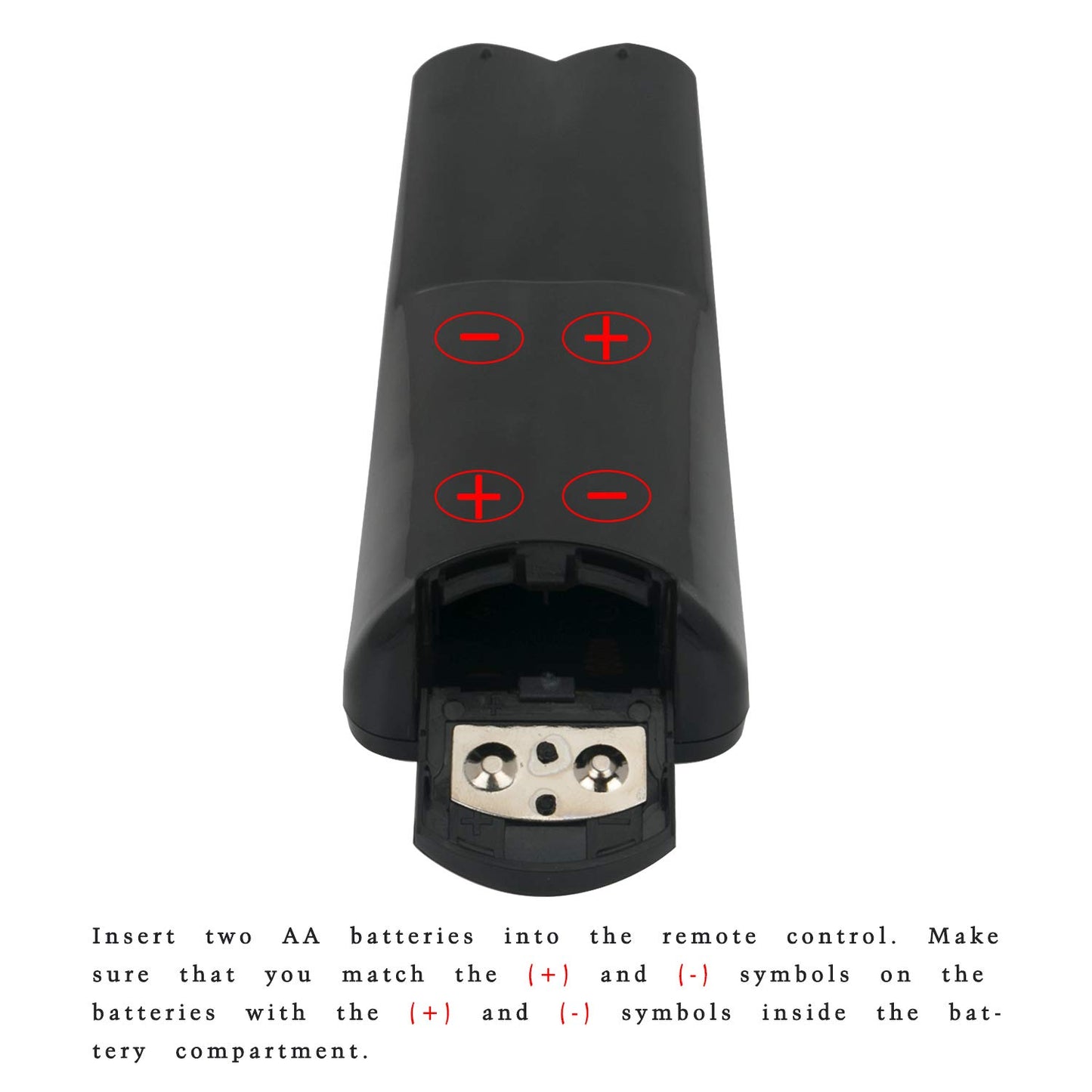
• How to Install your batteries: 1) Insert two AA batteries into the remote control. Make sure that you match the (+) and (-) symbols on the batteries with the (+) and (-) symbols inside the battery compartment. 2) Use the new 1.5V AA alkaline batteries
• 3) Do not mix new and old batteries. Batteris not included
• please note: Please check the TV model number to choice remote control, this is not a universal remote control. Package included: 1 x Remote Control
• If you have any questions with it, please leave us message freely. And we will give you reply within 24 hours.
Model: VR2
Color: Black
New VR2 Remote Control for Vizio TV<br><br><br><b>THIS REMOTE OPERATES THE FOLLOWING MODELS:</b><br><br>098003053050 098003053000 098003053021 VL260M VL320M VL370M VL420M Vl470m VL420M-M Vl470m-m VW37L VO320E VO32OE VO320E-M VO320EM V0370M VO370M-C VO370MC VO420E VO420E-M VO420EM VP323HDTV10A VS420LF1A VU32LHDTV10A VU37LHDTV10A VW32LHDTV20A VW32LHDTV30A VW32LHDTV35A VW32LHDTV40A VW37LHDTV20A VW37LHDTV30A VW46LFHDTV10A VW46LFHDTV20A VW47L VW47LF VW47LFHDTV10A VX200E VXW20L VXW20LHDTV10A EURT29A001 098003053000 VECO320L VO400E VP322 VP322HDTV10A VP422 VP422HDTV10A VW46LF V0370M-C V0370MC VW37LHDTV40A VW42LFHDTV10A VW46L V0400E Vo22lhdFtv10a VXW20L HDTV10A VS420LF VW47L FHDTV10A VECO320L 1A VECO320L1A VP322 HDTV10A VP422 HDTV10A Vp42hdtv20a VF550M<br/>Please note: Please check the TV model number before to choice remote control, this is not a universal remote control.<br/>Trouble Shooting:<br/> 1.No response or does not work:<br/> 1)Solution:please try to Install 2pcs new AA alkaline batteries after you receive the remote control.<br/> 2)Please make sure your TV model number in the list.<br/> 3)Please make sure there is no block in front the remote control and TV. The control range is 10 meters, 30 degrees to 0 degrees.<br/> 2.After all If the remote still does not work or response to your TVs<br/> Solution: <br/> please help to try the following trouble shooting steps: <br/> 1)Remove the batteries from the remote. <br/> 2)Press every button on the remote at least 3-5 second time to drain any residual power. This also helps to check for stuck buttons.<br/> 3) kindly please help to check whether the IR sensor area of your TVs is clean, sometimes the dust will effect the IR sensor connection.<br/> 4) kindly please make sure nothing is blocking on the front of your TVs, make sure it does not have any barriers between your TV and remote; please point the remote control toward the remote control sensor on the TVs.<br/> 5) Insert 2pcs new AA alkaline batteries into the remote, please do not use AA batteries, please do not use rechargeable batteries. Make sure the batteries are correctly installed with the positive and negative ends in the right direction. The correct battery installed way is + to - ; - to + polarity. If install opposite, the remote should not work.<br/> 6) Unplug the power supply of your TVs and then plug it back to restart it. Then try the remote again.
• New VR2 Remote Control Replacement fit for Vizio TV (Compatible With Most of The Vizio ( New & Old Models) TV.)
• No Programming needed.Just need put battery to use.
• Work for: 098003053050 098003053000 098003053021 VL260M VL320M VL370M VL420M Vl470m VL420M-M Vl470m-m VW37L VO320E VO32OE VO320E-M VO320EM V0370M VO370M-C VO370MC VO420E VO420E-M VO420EM VP323HDTV10A VS420LF1A VU32LHDTV10A VU37LHDTV10A VW32LHDTV20A VW32LHDTV30A VW32LHDTV35A VW32LHDTV40A VW37LHDTV20A VW37LHDTV30A VW37LHDTV40A VW42LFHDTV10A VW46L VW46LFHDTV10A VW46LFHDTV20A VW47L VW47LF VW47LFHDTV10A VX200E VXW20L VXW20LHDTV10A EURT29A001 098003053000 VECO320L VO400E VP322 VP322HDTV10A
• VP422 VP422HDTV10A VW46LF V0370M-C V0370MC V0400E Vo22lhdFtv10a VXW20L HDTV10A VS420LF VW47L FHDTV10A VECO320L 1A VECO320L1A VP322 HDTV10A VP422 HDTV10A Vp42hdtv20a
• How to Install your batteries: 1) Insert two AA batteries into the remote control. Make sure that you match the (+) and (-) symbols on the batteries with the (+) and (-) symbols inside the battery compartment. 2) Use the new 1.5V AA alkaline batteries
• 3) Do not mix new and old batteries. Batteris not included
• please note: Please check the TV model number to choice remote control, this is not a universal remote control. Package included: 1 x Remote Control
• If you have any questions with it, please leave us message freely. And we will give you reply within 24 hours.
Model: VR2
Color: Black
Additional Information
Delivery Information
Swift, Secure, and Reliable Shipping
At craftedyogi.com, we understand how important fast and dependable delivery is when it comes to your electronics. Whether it's a gadget, accessory, or device, we are committed to providing a seamless and efficient shipping experience to ensure your electronics arrive safely and on time.
Our Shipping Process
Order Processing
As soon as you place your order, our dedicated team begins processing it promptly to ensure quick dispatch. We aim to ship all electronics within 2 business days of order confirmation, excluding weekends and holidays.
Secure Packaging
Your electronics are valuable, and we treat them with the highest level of care. Each item is carefully packed using high-quality, protective packaging materials to prevent damage during transit. We ensure your products arrive in excellent condition, ready to use.
Shipping Partners
We partner with reputable and trusted shipping carriers to guarantee safe and timely delivery. Once your order ships, you’ll receive a tracking number so you can monitor your package in real time and stay updated on its delivery status.
Transit Time
USA Shipping: 4–7 business days after dispatch.
Shipping Costs
We Offer free shipping for Domestic orders inside USA.
Delivery Support
Our customer support team is here to assist you every step of the way. If you have any questions about your order, shipping timelines, or tracking details, please feel free to contact us:
📧 Email: support@craftedyogi.com
We’re dedicated to ensuring your electronics reach you quickly and securely. Your satisfaction is our top priority.
Thank you for choosing craftedyogi.com for your electronics needs. We look forward to delivering innovation and convenience right to your doorstep. Unbox with confidence and enjoy your new technology!
Reviews
My Wishlist
Wishlist is empty.
Compare
Shopping cart


