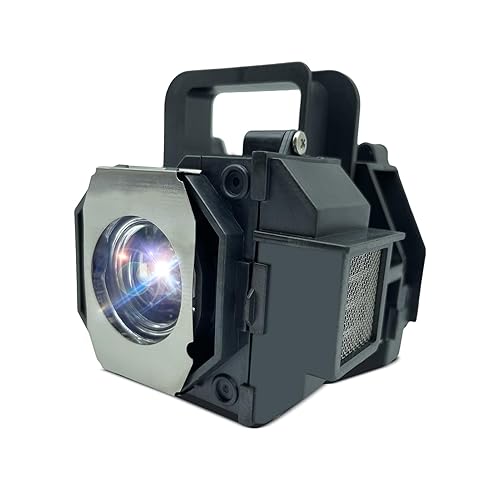
Description
Brand: Litluxu
Litluxu?We are the leading wholesaler of replacement lamps for multi-media projectors and rear projection televisions around the globe since 2000 ,which has about 22 years experience until now. We have professional factory and professional pipeline, and the best service for all customers.
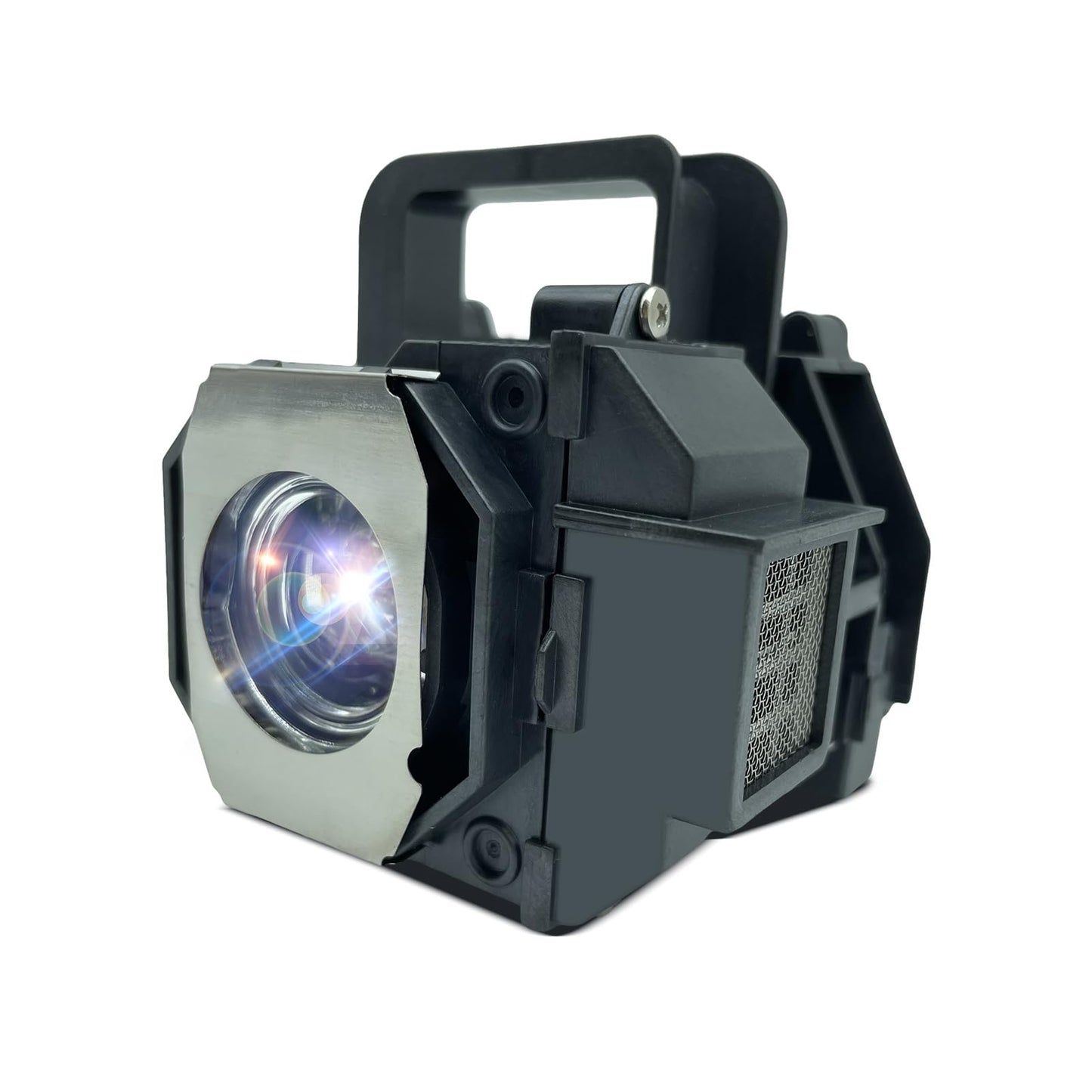
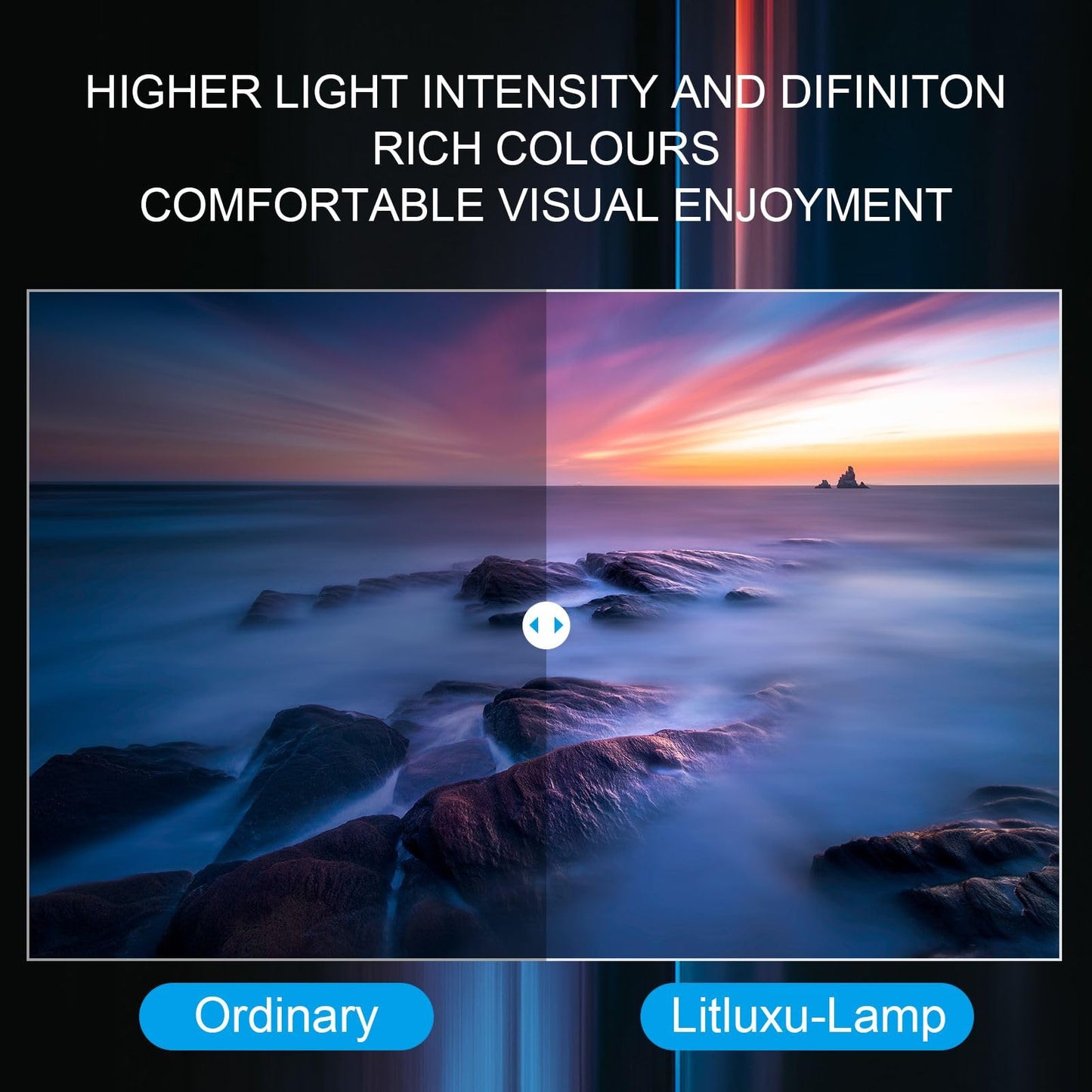
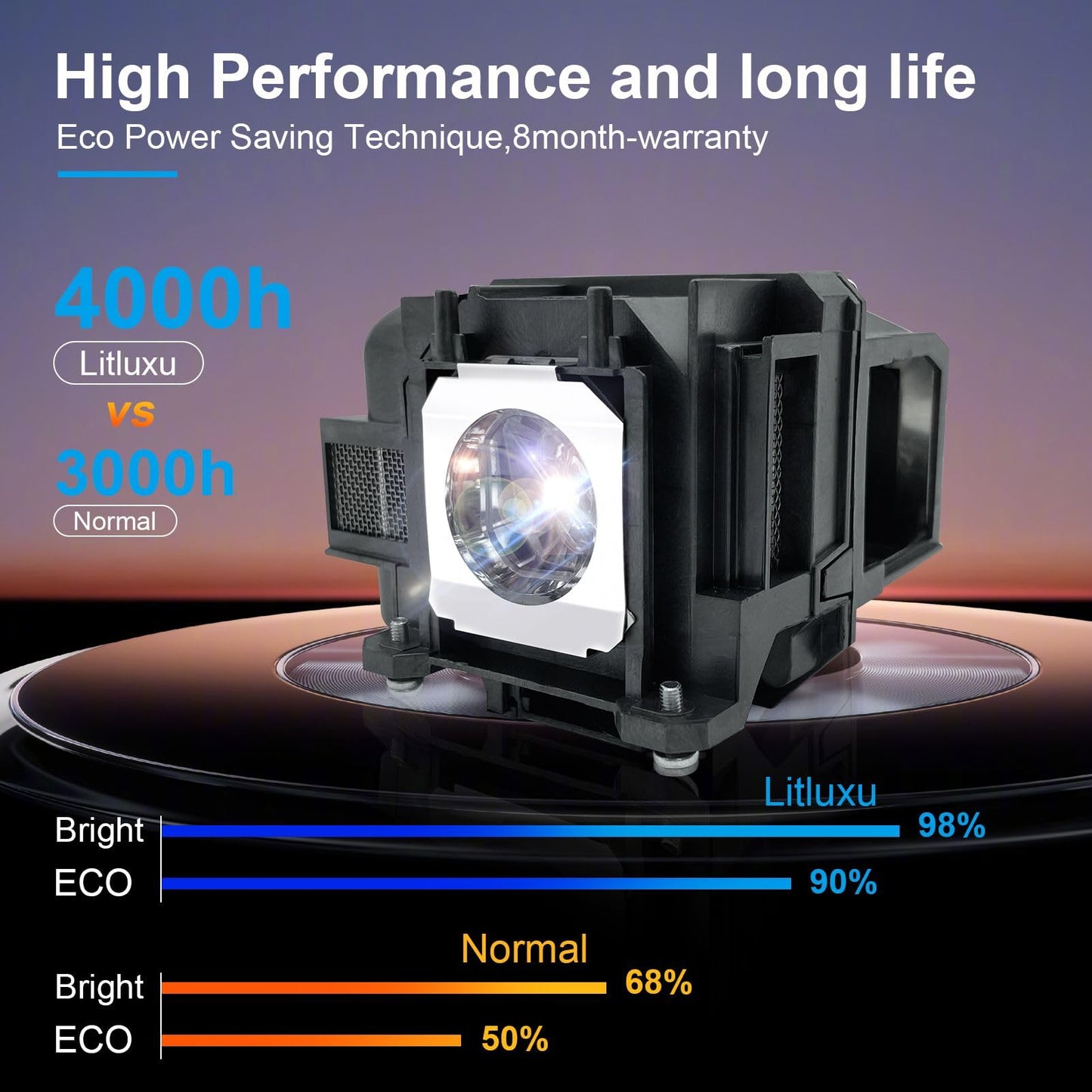
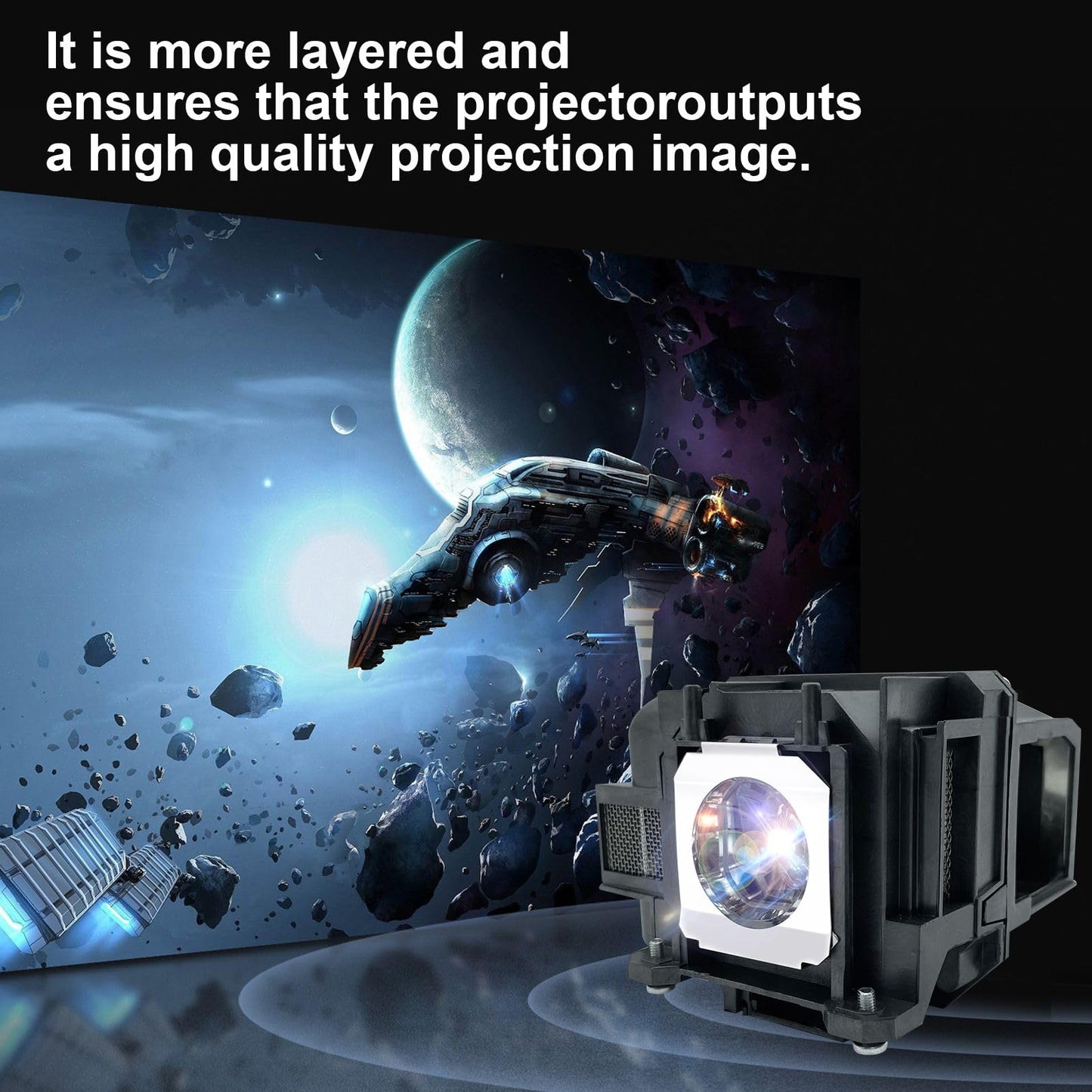
It is a high quality projector lamp, 100% brightness, long life, excellent clear visual
Bulb model: ELPLP49//V13H010L49 Replacement Lamp with Housing
Working hours :over 3000 hours
Output: 2000 Lumins
Power: 120 watts
Warranty period :8 month
Compatible model(Ctrl+F to find your model):fit for Epson PowerLite Home Cinema 6100 6500UB 7100 7500UB 8100 8345 8350 8500UB 8700UB 9100 9350 9500UB 9700UB 9700UB H291A H291B H291F H292A H293A H293B H336A H336F H337A H373A H373B H373F H338A H416A H416B H419A H420A EH-TW2900 EH-TW2800 EH-TW3000 EH-TW3200 EH-TW3500 EH-TW3600 EH-TW3800 EH-TW4000 EH-TW4400 EH-TW4500 EH-TW5000 EH-TW5500 EH-TW5800 EH-TW8500 EMP-TW3800 EMP-TW5000 EMP-TW5500 Projector Lamp. How to Install the projector bulbs:
1. Turn off the projector and unplug the power
2. cool down the projector and the bulb for one hour
3. Use a screwdriver to remove the screws on the lampshade, and slide the lampshade open
4.Loosen the two screws which locking the bulb, then take the old bulb out of the projector
5. Hold the new Litluxu bulb and install it into the projector, you should check if the bulb is facing the right direction
6. tighten the screws and reinstall the lampshade
7. reset the life of the bulb, then you can enjoy your projector with the new bulb!
How to extend the life of the projector bulb
1. After turning off the projector, wait the fan stop before unplug the power.
2. After turning off the projector, wait at least 60 minutes to reboot.
3. Do not unplug the power directly during use.
4.Do not use the projector over 4 hours Continuously
5. Regularly clean the dust inside the projector and the bulb
Attention: Before purchase, please confirm that this type of the bulb is compatible with your projector. If you cannot find the model of the projector on the page, please contact us
Litluxu?We are the leading wholesaler of replacement lamps for multi-media projectors and rear projection televisions around the globe since 2000 ,which has about 22 years experience until now. We have professional factory and professional pipeline, and the best service for all customers.
It is a high quality projector lamp, 100% brightness, long life, excellent clear visual
Bulb model: ELPLP49//V13H010L49 Replacement Lamp with Housing
Working hours :over 3000 hours
Output: 2000 Lumins
Power: 120 watts
Warranty period :8 month
Compatible model(Ctrl+F to find your model):fit for Epson PowerLite Home Cinema 6100 6500UB 7100 7500UB 8100 8345 8350 8500UB 8700UB 9100 9350 9500UB 9700UB 9700UB H291A H291B H291F H292A H293A H293B H336A H336F H337A H373A H373B H373F H338A H416A H416B H419A H420A EH-TW2900 EH-TW2800 EH-TW3000 EH-TW3200 EH-TW3500 EH-TW3600 EH-TW3800 EH-TW4000 EH-TW4400 EH-TW4500 EH-TW5000 EH-TW5500 EH-TW5800 EH-TW8500 EMP-TW3800 EMP-TW5000 EMP-TW5500 Projector Lamp. How to Install the projector bulbs:
1. Turn off the projector and unplug the power
2. cool down the projector and the bulb for one hour
3. Use a screwdriver to remove the screws on the lampshade, and slide the lampshade open
4.Loosen the two screws which locking the bulb, then take the old bulb out of the projector
5. Hold the new Litluxu bulb and install it into the projector, you should check if the bulb is facing the right direction
6. tighten the screws and reinstall the lampshade
7. reset the life of the bulb, then you can enjoy your projector with the new bulb!
How to extend the life of the projector bulb
1. After turning off the projector, wait the fan stop before unplug the power.
2. After turning off the projector, wait at least 60 minutes to reboot.
3. Do not unplug the power directly during use.
4.Do not use the projector over 4 hours Continuously
5. Regularly clean the dust inside the projector and the bulb
Attention: Before purchase, please confirm that this type of the bulb is compatible with your projector. If you cannot find the model of the projector on the page, please contact us
Additional Information
Delivery Information
Swift, Secure, and Reliable Shipping
At craftedyogi.com, we understand how important fast and dependable delivery is when it comes to your electronics. Whether it's a gadget, accessory, or device, we are committed to providing a seamless and efficient shipping experience to ensure your electronics arrive safely and on time.
Our Shipping Process
Order Processing
As soon as you place your order, our dedicated team begins processing it promptly to ensure quick dispatch. We aim to ship all electronics within 2 business days of order confirmation, excluding weekends and holidays.
Secure Packaging
Your electronics are valuable, and we treat them with the highest level of care. Each item is carefully packed using high-quality, protective packaging materials to prevent damage during transit. We ensure your products arrive in excellent condition, ready to use.
Shipping Partners
We partner with reputable and trusted shipping carriers to guarantee safe and timely delivery. Once your order ships, you’ll receive a tracking number so you can monitor your package in real time and stay updated on its delivery status.
Transit Time
USA Shipping: 4–7 business days after dispatch.
Shipping Costs
We Offer free shipping for Domestic orders inside USA.
Delivery Support
Our customer support team is here to assist you every step of the way. If you have any questions about your order, shipping timelines, or tracking details, please feel free to contact us:
📧 Email: support@craftedyogi.com
We’re dedicated to ensuring your electronics reach you quickly and securely. Your satisfaction is our top priority.
Thank you for choosing craftedyogi.com for your electronics needs. We look forward to delivering innovation and convenience right to your doorstep. Unbox with confidence and enjoy your new technology!
Reviews
My Wishlist
Wishlist is empty.
Compare
Shopping cart


