Description
Brand: LBTbate
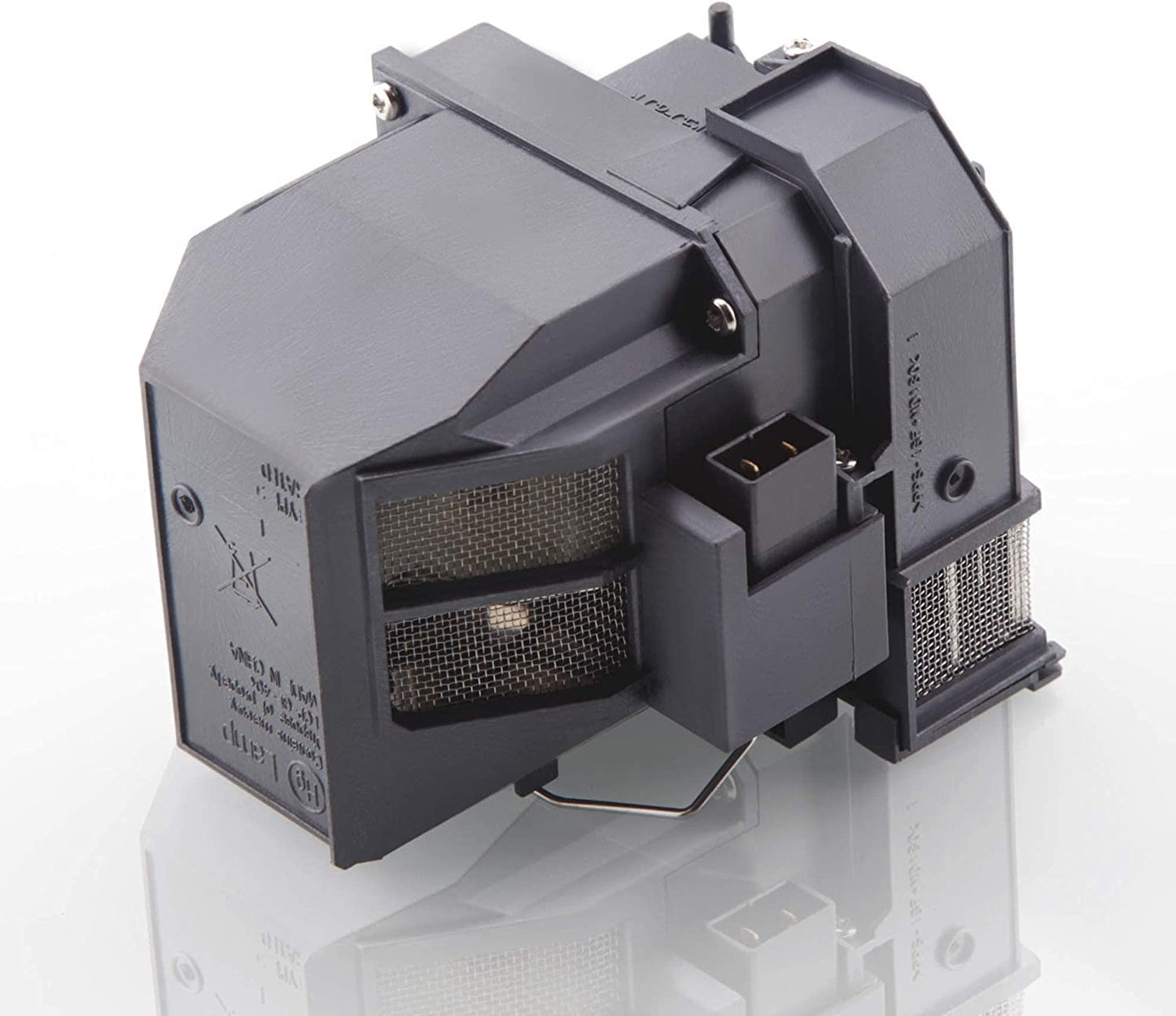
LBTbate 100% new for epson V13H010L91 replacement Projector lamp bulb with same functioning as your original one, long life replacement projector lamp. bulb installed in your projector, so you appreciate the effect of the original Projector lamp.
Please Note:
Before purchaseplease make sure that this projector lamp/bulb is compatible with your projector. If you do not find your projector model on the page, contact us to confirm.
About Product:
LBTbate has own factory and many experienced workers.Every lamp lamp will be test before leaving factory. So you don’t need to doubt the quality. and we can solve any after-sales problems and guide the installation.
Installation Step:
1.Turn off the projector and disconnect the power cord.
2.Let the projector cool for at least 30 minutes.
3.Use a screwdriver to remove the screw from the cover.
4.Remove the cover and the lamp protection film.
5.Loose the screws of the lamp.
6.Pull our the lamp module by lifting the handle.
7.Replace the new lamp, then tighten back the screws.
8.Reinstall the lamp cover and reset the lamp usage time.
Tips:
1). Make sure the conditions of the room is clean and ventilation.
2). Change or clean your projector air filter monthly.
3). Better let your projector rest for 15minutes per 4 hours running.
4). Do not unplug the power line before the cooling fan stop working.
COMPATIBLE MODELS - Ctrl+F to find your model For Epson V13H010L91 PowerLite Home Cinema 680 685W BrightLink 685Wi 695Wi EB-680 EB-680S EB-685W EB-685Wi EB-685WS EB-695Wi Replacement Projector Lamp Bulb
• ??PROJECTION BULB DESCRIPTION - LBTbate specialize in providing high-quality service of replacement projector Bulb lamp.has own factory and many experienced workers.This is a Suitable for ELPLP91/V13H010L91 new replacement projector lamp bulb, use the same as bright and durable lamp wick as the original bulb. make it more brillancy and clear.
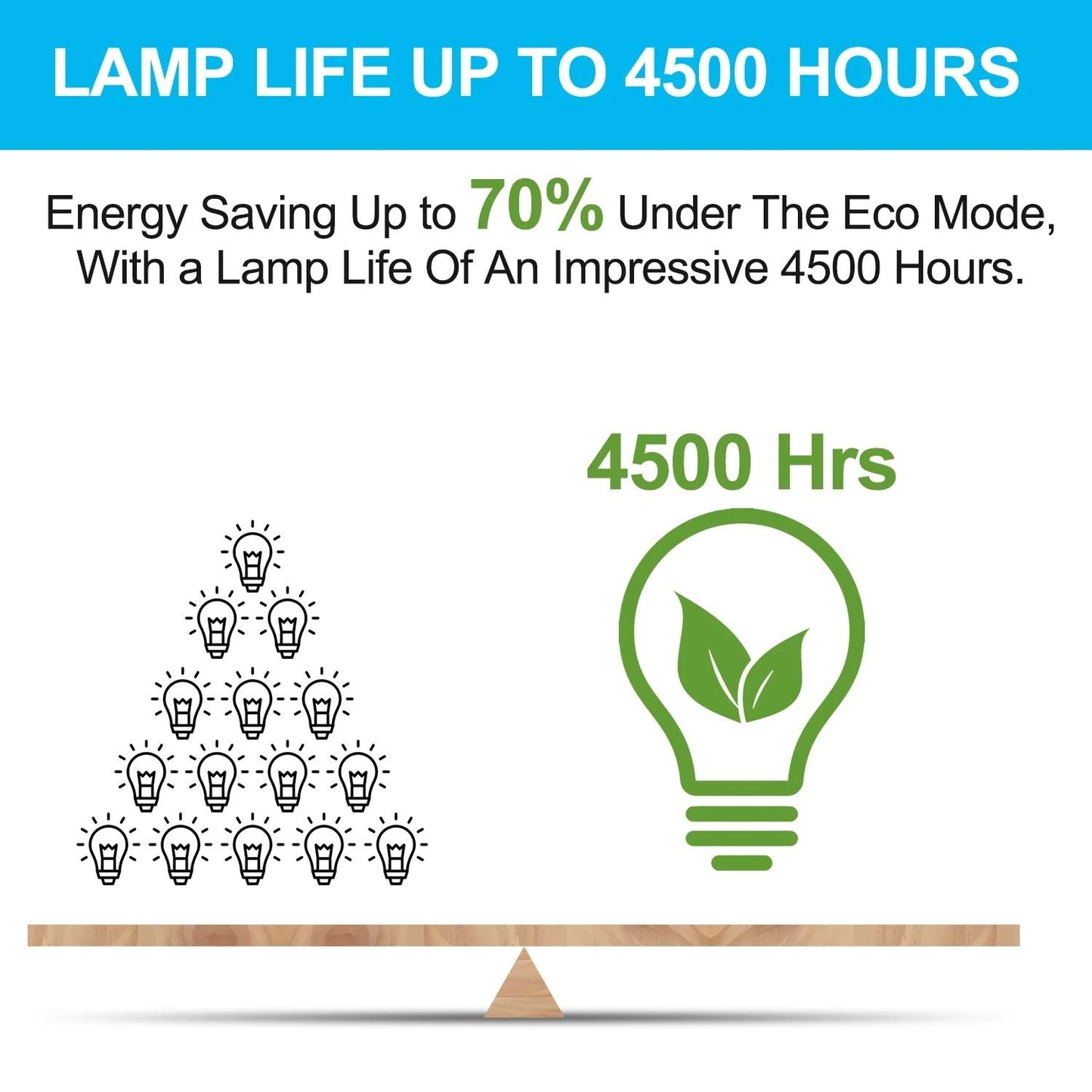
• ??REPLACEMENT LAMP LIFE - 3000 (normal) / after 4000 hours (economy).Our high quality replacement projector lamp bulb last much longer ,and provide a brighter, cleaner light source.
• ??QUALITY ASSURANCE - Test before shipment 99% working. simple and easy to install. please shut down your Projector when you install it.
• ??LBTbate'S the designated distributor of replacement bulb lamp projector for EPSON V13H010L91,and is responsible for all the projector lamp descriptions and When your light bulb expires naturally within 180 days, a replacement light bulb will be shipped to you .
• ??COMPATIBLE MODELS-Ctrl+F to find your model Suitable for V13H010L91 Replacement Projector Lamp Bulb for Epson PowerLite Home Cinema 680 685W 685WI BrightLink 685Wi 695Wi EB-680 EB-680S EB-685W EB-685Wi EB-685WS EB-695Wi
• ??Resetting the Lamp Timer-After replacing the projector lamp, you must reset the lamp timer so that the projector can track lamp usage correctly,Select the Reset menu and press Enter.
LBTbate 100% new for epson V13H010L91 replacement Projector lamp bulb with same functioning as your original one, long life replacement projector lamp. bulb installed in your projector, so you appreciate the effect of the original Projector lamp.
Please Note:
Before purchaseplease make sure that this projector lamp/bulb is compatible with your projector. If you do not find your projector model on the page, contact us to confirm.
About Product:
LBTbate has own factory and many experienced workers.Every lamp lamp will be test before leaving factory. So you don’t need to doubt the quality. and we can solve any after-sales problems and guide the installation.
Installation Step:
1.Turn off the projector and disconnect the power cord.
2.Let the projector cool for at least 30 minutes.
3.Use a screwdriver to remove the screw from the cover.
4.Remove the cover and the lamp protection film.
5.Loose the screws of the lamp.
6.Pull our the lamp module by lifting the handle.
7.Replace the new lamp, then tighten back the screws.
8.Reinstall the lamp cover and reset the lamp usage time.
Tips:
1). Make sure the conditions of the room is clean and ventilation.
2). Change or clean your projector air filter monthly.
3). Better let your projector rest for 15minutes per 4 hours running.
4). Do not unplug the power line before the cooling fan stop working.
COMPATIBLE MODELS - Ctrl+F to find your model For Epson V13H010L91 PowerLite Home Cinema 680 685W BrightLink 685Wi 695Wi EB-680 EB-680S EB-685W EB-685Wi EB-685WS EB-695Wi Replacement Projector Lamp Bulb
• ??PROJECTION BULB DESCRIPTION - LBTbate specialize in providing high-quality service of replacement projector Bulb lamp.has own factory and many experienced workers.This is a Suitable for ELPLP91/V13H010L91 new replacement projector lamp bulb, use the same as bright and durable lamp wick as the original bulb. make it more brillancy and clear.
• ??REPLACEMENT LAMP LIFE - 3000 (normal) / after 4000 hours (economy).Our high quality replacement projector lamp bulb last much longer ,and provide a brighter, cleaner light source.
• ??QUALITY ASSURANCE - Test before shipment 99% working. simple and easy to install. please shut down your Projector when you install it.
• ??LBTbate'S the designated distributor of replacement bulb lamp projector for EPSON V13H010L91,and is responsible for all the projector lamp descriptions and When your light bulb expires naturally within 180 days, a replacement light bulb will be shipped to you .
• ??COMPATIBLE MODELS-Ctrl+F to find your model Suitable for V13H010L91 Replacement Projector Lamp Bulb for Epson PowerLite Home Cinema 680 685W 685WI BrightLink 685Wi 695Wi EB-680 EB-680S EB-685W EB-685Wi EB-685WS EB-695Wi
• ??Resetting the Lamp Timer-After replacing the projector lamp, you must reset the lamp timer so that the projector can track lamp usage correctly,Select the Reset menu and press Enter.
Additional Information
Delivery Information
Swift, Secure, and Reliable Shipping
At craftedyogi.com, we understand how important fast and dependable delivery is when it comes to your electronics. Whether it's a gadget, accessory, or device, we are committed to providing a seamless and efficient shipping experience to ensure your electronics arrive safely and on time.
Our Shipping Process
Order Processing
As soon as you place your order, our dedicated team begins processing it promptly to ensure quick dispatch. We aim to ship all electronics within 2 business days of order confirmation, excluding weekends and holidays.
Secure Packaging
Your electronics are valuable, and we treat them with the highest level of care. Each item is carefully packed using high-quality, protective packaging materials to prevent damage during transit. We ensure your products arrive in excellent condition, ready to use.
Shipping Partners
We partner with reputable and trusted shipping carriers to guarantee safe and timely delivery. Once your order ships, you’ll receive a tracking number so you can monitor your package in real time and stay updated on its delivery status.
Transit Time
USA Shipping: 4–7 business days after dispatch.
Shipping Costs
We Offer free shipping for Domestic orders inside USA.
Delivery Support
Our customer support team is here to assist you every step of the way. If you have any questions about your order, shipping timelines, or tracking details, please feel free to contact us:
📧 Email: support@craftedyogi.com
We’re dedicated to ensuring your electronics reach you quickly and securely. Your satisfaction is our top priority.
Thank you for choosing craftedyogi.com for your electronics needs. We look forward to delivering innovation and convenience right to your doorstep. Unbox with confidence and enjoy your new technology!
Reviews
My Wishlist
Wishlist is empty.
Compare
Shopping cart


