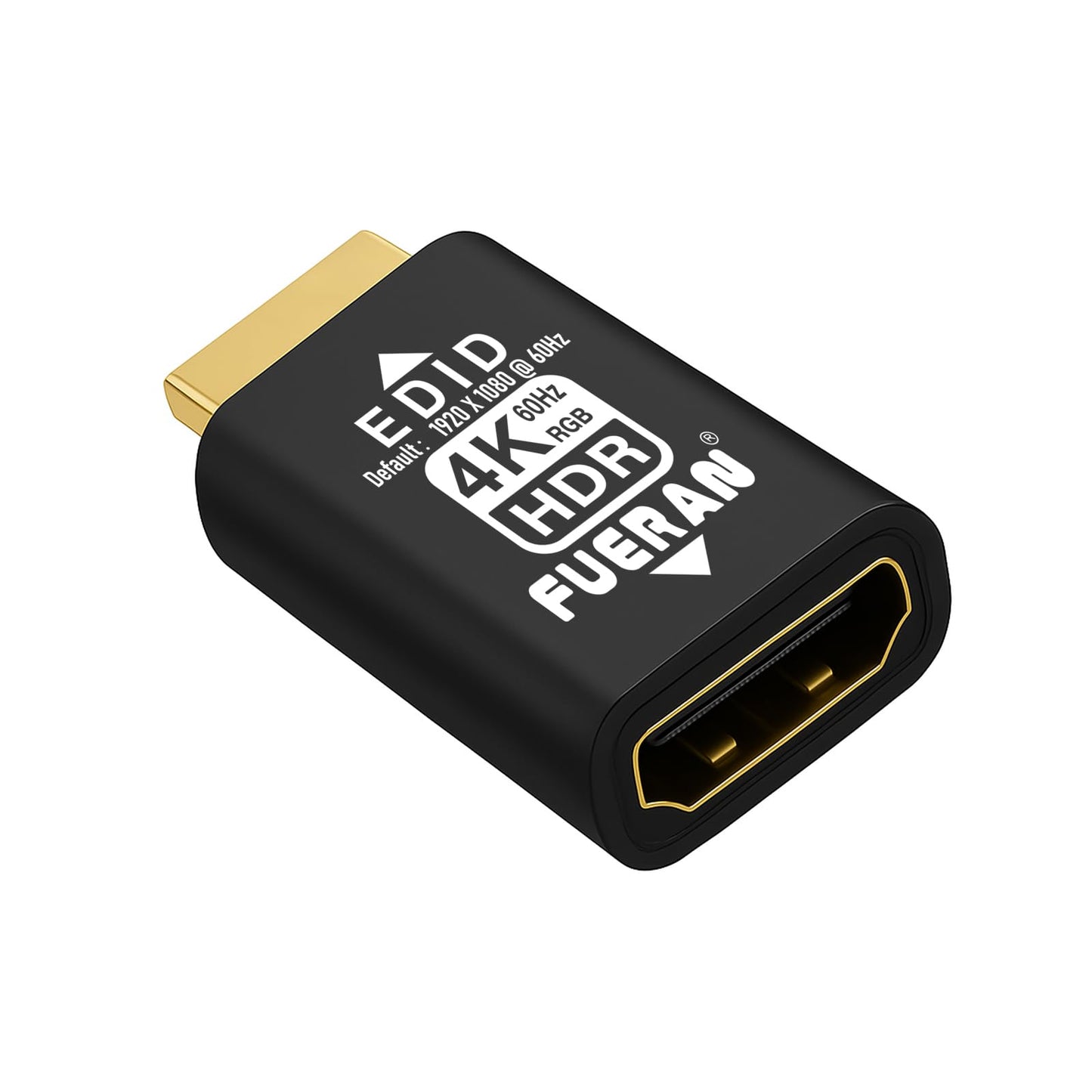
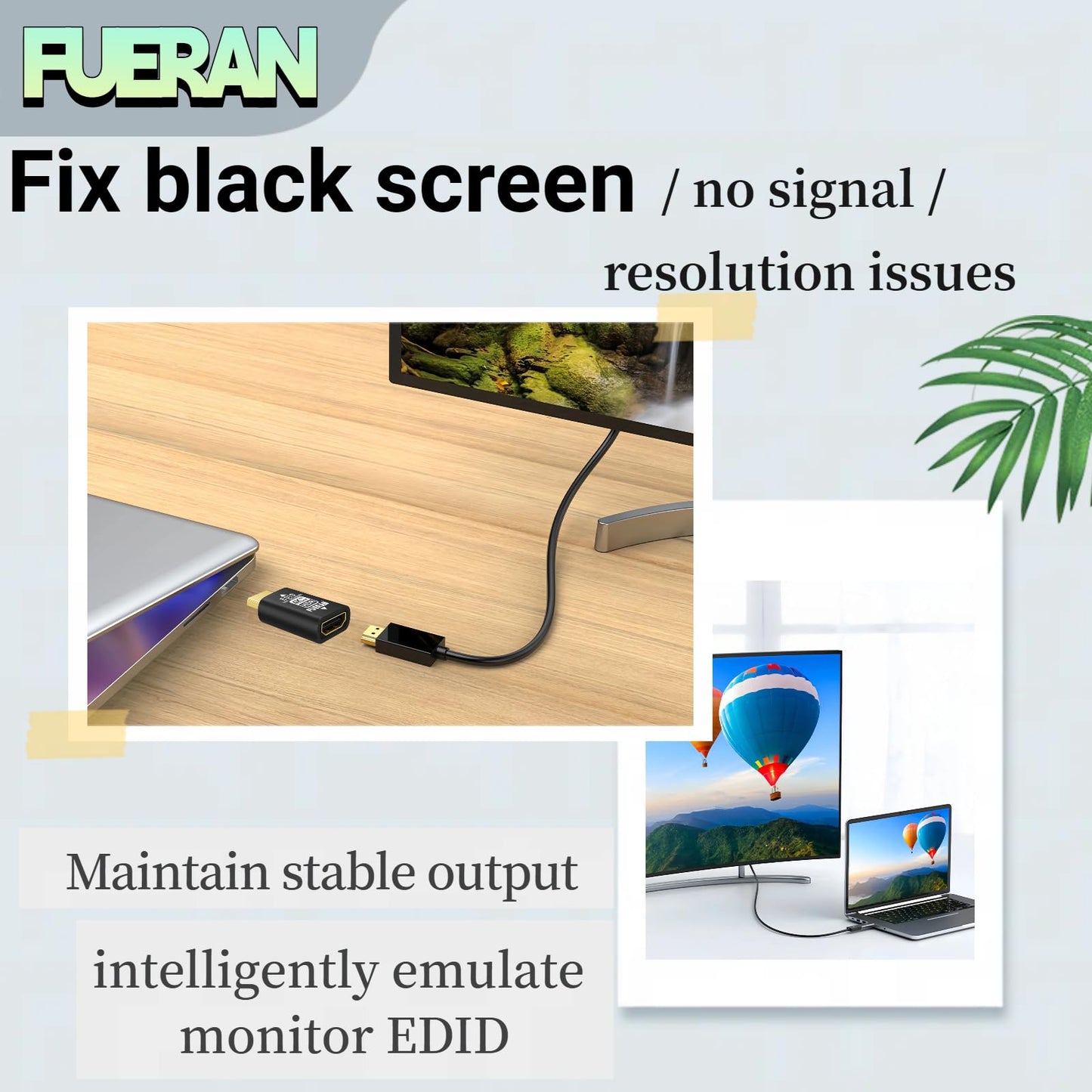
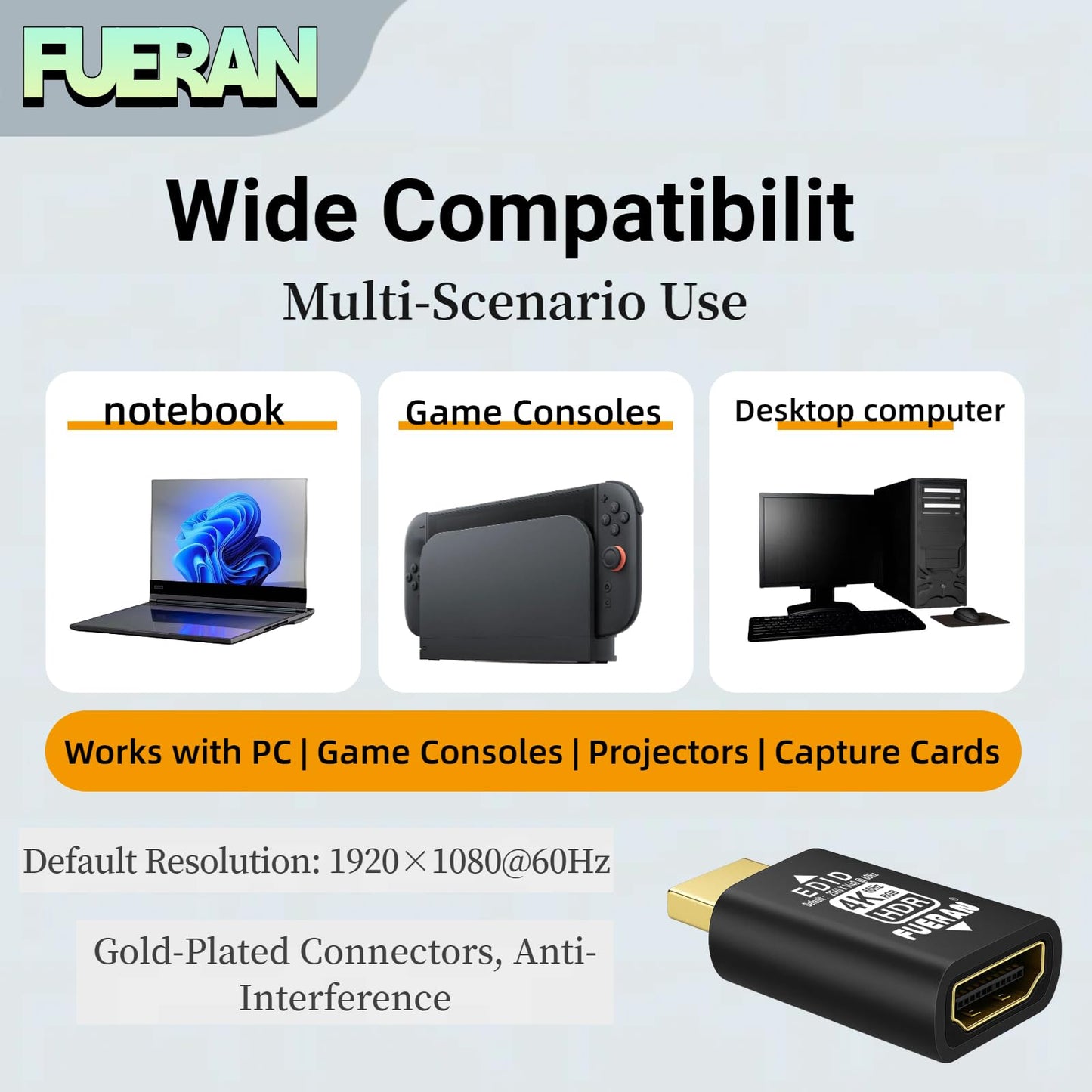
<p> <strong>Product Description</strong> </p> <p> <strong>FUERAN HDMI EDID Emulator Adapter - Keep Your Display Settings Stable, Always!</strong> </p> <p> Unlock the ultimate display stability with the FUERAN HDMI EDID Emulator Adapter, designed for seamless, reliable video output in any multi-monitor, AV, or professional setup. Say goodbye to resolution drops, desktop rearrangement, and sync loss-this device is your key to uninterrupted visuals and hassle-free workflow. </p> <p> <strong>Key Features:</strong> </p> <ul> <li> <p> <strong>Bi-directional EDID Transmission</strong>:<br /> Supports both male and female HDMI sources, ensuring flawless EDID communication between your computer and display, whether in single or multi-screen setups. </p> </li> <li> <p> <strong>Plug & Play Simplicity</strong>:<br /> No drivers, software, or external power required. Hot-swappable and ultra-low power consumption. Just connect the emulator inline with your HDMI cable or KVM <strong>selector</strong>, and your system instantly maintains stable display settings, even when devices. </p> </li> <li> <p> <strong>Fixed EDID Lock & Virtual Monitor</strong>:<br /> The emulator passes video and audio signals correctly every time-even during power cycles, shutdowns, or device swaps. Lock in your desired resolution; close your laptop lid and control remotely with your preferred settings. Works as a “dummy plug” for headless servers, remote desktops, or when no monitor is physically connected. </p> </li> <li> <p> <strong>Prevents Desktop Rearrangement</strong>:<br /> In multi-monitor splicing or matrix mode, if any cable is loose or a screen is unplugged, your computer won’t re-detect or scramble your desktops-the current arrangement and resolution are preserved until you decide to change them. </p> </li> <li> <p> <strong>Wide Compatibility & Unmatched Video Quality</strong>:<br /> Compatible with KVM selectors, AV receivers, extenders, video splitters, and more. Handles a wide range of pixel formats: YCbCr 4:4:4, 4:2:2, 4:2:0, and RGB, with 2.1 channel audio. </p> </li> <li> <p> <strong>Stable Output for All Setups</strong>:<br /> Keeps your system “in sync” at all times-no more resolution resets, flickers, or loss of signal. Even if your monitor is off or unplugged, Win and MacOS will recognize it as always connected, preventing annoying desktop rearrangement. </p> </li> <li> <p> <strong>Enhanced for Multi-Display and Splicing Applications</strong>:<br /> Perfect for multimedia workstations, professional video walls, digital signage, or any environment where you need stable, uninterrupted HDMI output across multiple devices. </p> </li> </ul> <p> <strong>Technical Support</strong>:<br /> 24-hour professional technical support available. Please note: HDCP is not supported. </p> <p> <strong>Typical Use Cases</strong>: </p> <ul> <li> <p> Keep desktop icons and resolution fixed when connecting through KVM selectors or HDMI splitters. </p> </li> <li> <p> Prevent Win/MacOS from rearranging your desktop during power cycles, hot swaps, or remote access sessions. </p> </li> <li> <p> Use as a virtual monitor (“headless” plug) for servers or remote desktop environments. </p> </li> </ul> <h4> <strong>Supported Resolutions (Examples):</strong> </h4> <ul> 4096 x 2160@60Hz<br /> 3840 x 2160@60Hz<br /> 3440 x1440@60Hz<br /> 2560 x1600@60Hz<br /> 2560 x1440@60Hz<br /> 2560 x1080@60Hz<br /> 2048 x1536@60Hz<br /> 1920 x1440@60Hz<br /> 1920 x1200@60Hz<br /> 1920 x1080@60/119.88/120 Hz(Default Resolution)RGB<br /> 1680 x1050@60/119.88/120 Hz<br /> 1600 x1200@60/119.88/120 Hz<br /> 1600 x1024@60/119.88/120 Hz<br /> 1600 x900@60/119.88/120 Hz<br /> 1366x768@60/119.88/120 Hz<br /> 1360x768@60/119.88/120 Hz<br /> 1280 x1024@60/119.88/120 Hz<br /> 1280 x960@60/119.88/120 Hz<br /> 1280 x800@60/119.88/120 Hz<br /> 1280 x768@60/119.88/120 Hz<br /> 1280x720@60/119.88/120 Hz<br /> 1176 x 664@60/119.88/120 Hz<br /> 1152 x864@60/119.88/120 Hz<br /> 1024x768@60/119.88/120 Hz<br /> 800 x600@60/119.88/120 Hz<br /> <p> <strong>Never worry about lost sync, signal drop, or frustrating desktop resets again. Choose FUERAN HDMI EDID Emulator Adapter for flawless, professional-grade display stability-every time.</strong> </p>
• This bi-directional HDMI EDID emulator supports both male and female signal sources, ensuring compatibility with various devices. It offers multiple chroma sampling options, including YCbCr 4:4:4, 4:2:2, 4:2:0, and RGB, providing flexibility in color depth and video quality. The default resolution is 1920x1080@60Hz, with the highest supported resolution being 3840x2160@60Hz, providing clear and high-definition video. • Plug & Play functionality ensures no need for drivers, software, or external power, making installation incredibly simple. It also supports hot swapping, so you can easily switch devices without interruptions. With low power consumption, setting it up is extremely easy: just plug it into the KVM and connect it to your computer’s HDMI. Each time you switch the signal input in the KVM, Windows will not reset the monitor, ensuring smooth transitions. • This HDMI EDID lock emulator solves the common "loss of sync" issue with multiple HDMI displays. Even when the actual monitor is turned off or disconnected, the emulator tells Windows that the monitor is still connected, preventing Windows from rearranging the desktop. It works perfectly with DisplayPort/USB-C to HDMI adapters and requires no extra power, ensuring a hassle-free experience. • The emulator is compatible with a variety of devices such as mini PCs, Raspberry-- and other HDMI-enabled devices. It ensures that the monitor’s EDID remains active when remotely accessing these devices, keeping display settings stable. providing stable output, perfect for professional environments, home theaters, or gaming setups • The fixed EDID feature ensures that video and audio signals pass through correctly each time the device shuts down, restarts, stops, toggles, or undergoes renegotiation for other operations. This eliminates the need for constant renegotiation between devices, speeding up the setup time when displays are frequently turned on or off. Additionally, the HDMI EDID emulator can function as a virtual monitor when the laptop lid is closed, after setting a resolution, making it perfect for remote desktop scenarios or when no external monitor is available. • Additionally, it is an ideal tool for AV receivers and video wall setups, where maintaining the EDID signal is crucial to ensuring video output consistency. Whether you are managing a multi-monitor setup, simplifying device connections, or avoiding frequent EDID adjustments, this emulator provides ultimate stability and convenience.
Model: 4K-HDR(default-1920X1080@60Hz) Color: Black
Additional Information
Delivery Information
Delivery Information
Swift, Secure, and Reliable Shipping
At craftedyogi.com, we understand how important fast and dependable delivery is when it comes to your electronics. Whether it's a gadget, accessory, or device, we are committed to providing a seamless and efficient shipping experience to ensure your electronics arrive safely and on time.
Our Shipping Process
Order Processing
As soon as you place your order, our dedicated team begins processing it promptly to ensure quick dispatch. We aim to ship all electronics within 2 business days of order confirmation, excluding weekends and holidays.
Secure Packaging
Your electronics are valuable, and we treat them with the highest level of care. Each item is carefully packed using high-quality, protective packaging materials to prevent damage during transit. We ensure your products arrive in excellent condition, ready to use.
Shipping Partners
We partner with reputable and trusted shipping carriers to guarantee safe and timely delivery. Once your order ships, you’ll receive a tracking number so you can monitor your package in real time and stay updated on its delivery status.
Transit Time
USA Shipping: 4–7 business days after dispatch.
Shipping Costs
We Offer free shipping for Domestic orders inside USA.
Delivery Support
Our customer support team is here to assist you every step of the way. If you have any questions about your order, shipping timelines, or tracking details, please feel free to contact us:
We’re dedicated to ensuring your electronics reach you quickly and securely. Your satisfaction is our top priority.
Thank you for choosing craftedyogi.com for your electronics needs. We look forward to delivering innovation and convenience right to your doorstep. Unbox with confidence and enjoy your new technology!
Reviews
Related Products
Recently viewed products
FUERAN HDMI edid Emulator Adapter,4K-HDR(default-1920X1080@60Hz) emulators,Reliable Pass-Through for Video Splitters, Extenders, AV Receivers -Plug