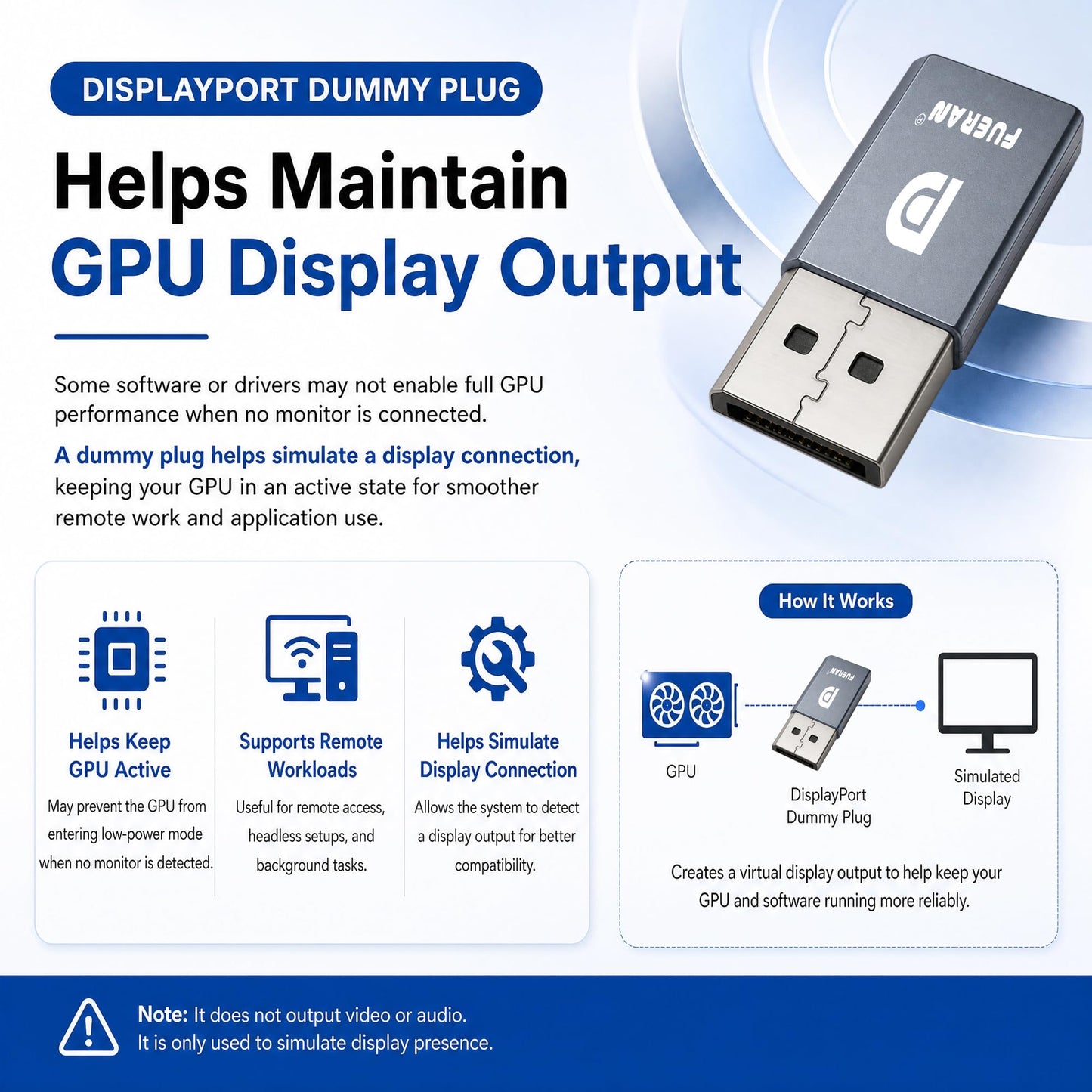
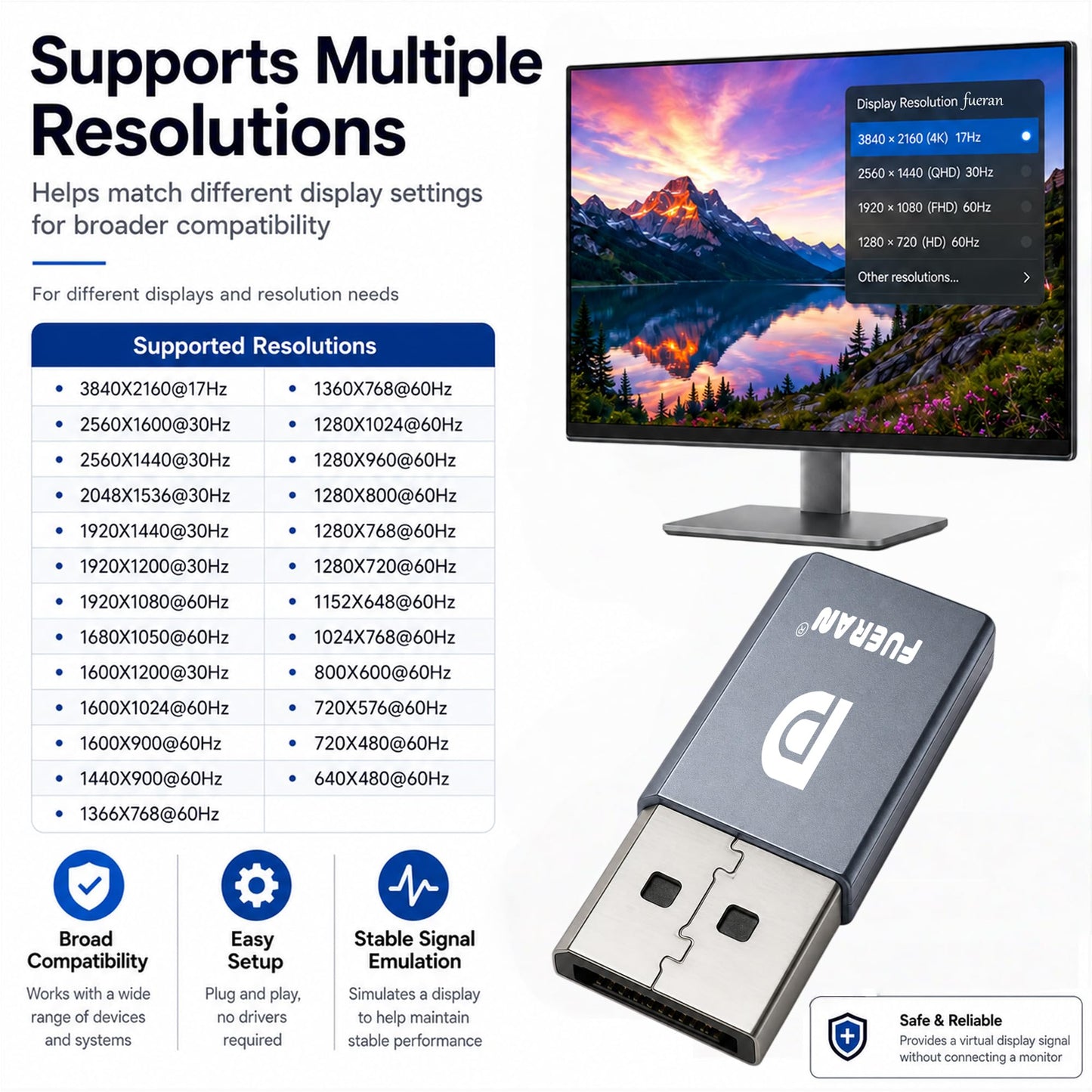
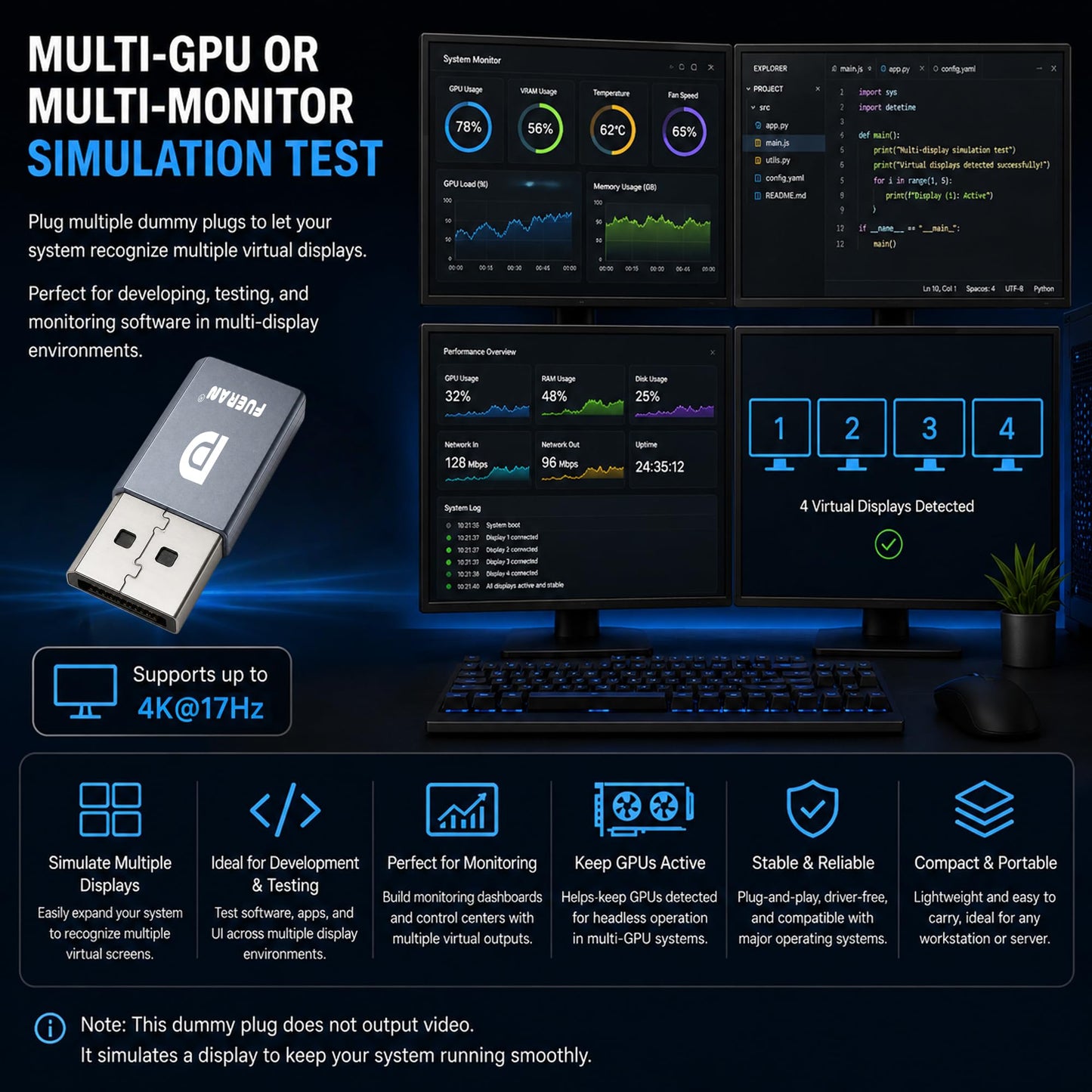
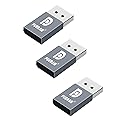
Key Features of the DP Dummy Plug:<br /> Display Emulator :<br /> The device acts as a "virtual display." When connected to a computer, it makes the system think that an actual monitor is connected. This is useful for systems without a physical display or in headless setups (systems that are operating without a direct monitor).<br /> GPU Activation :<br /> The device allows the operating system to detect a virtual display, thus enabling the GPU (Graphics Processing Unit). This prevents the GPU from being idle or disabled, which can happen in the absence of a connected monitor, and ensures the GPU operates optimally.<br /> Improved Remote Desktop & Performance :<br /> In remote desktop scenarios, using the dummy plug can solve issues like low resolution, black or white screens, and ensure the GPU is being fully utilized for tasks like cryptocurrency mining, GPGPU operations, or other high-performance computing needs.<br /> Resolution and Refresh Rate Support :<br /> The device supports various resolutions, from 800x600 up to 3840x2160 at 17Hz, allowing flexibility depending on your use case (e.g., for remote desktop, VR, or mining).<br /> How it Helps Users :<br /> 1. Fixes Remote Desktop Issues :<br /> Without a physical monitor, remote desktop sessions can have issues with low resolution or no display at all. The dummy plug ensures that a virtual display is detected, solving these problems.<br /> 2. Prevents GPU Idle During Mining :<br /> Cryptocurrency miners often face problems where the GPU is underutilized or turned off if no display is connected. This device keeps the GPU activated, ensuring efficient mining performance.<br /> 3. Solves Low Resolution Issues in Remote Access :<br /> When using remote access, the device ensures that the system is using a proper resolution, which is important for a smooth experience, particularly when using remote desktop software or virtual machines.<br /> 4. Remote Operation of a Computer with No Monitor :<br /> It allows you to turn off the physical display and still remotely control the computer. This can be useful in server rooms, media centers, or any headless configuration where you don't need the actual monitor but want the system to behave as if one is connected.<br /> 5. VR Compatibility :<br /> This device allows you to use a VR headset with a PC without the need for a traditional monitor, which is helpful for VR applications that require the system to think a monitor is connected.<br /> 6. Plug and Play :<br /> No drivers, software, or additional configuration is needed. Just plug the device in, and it works immediately.<br /> 7. Wide System Compatibility :<br /> It works across multiple operating systems including Windows (all versions from XP to 11), Mac OS, and Linux, making it versatile and suitable for various setups.<br /> 8. Multiple Resolution Support :<br /> The device supports many common resolutions, ensuring compatibility with a wide range of devices and applications. It can be adjusted based on specific needs, ranging from low to high resolution .<br /> 3840*2160@17Hz, <br /> 2560*1600@30Hz, <br /> 2560*1400@30Hz, <br /> 1920*1200@60Hz, <br /> 1920*1080@60Hz, <br /> 1680*1050 @60Hz <br /> 1600* 900 @60Hz, <br /> 1440 *900@60Hz ,<br /> 1366*768 @60Hz ,<br /> 1360*768 @60Hz ,<br /> 1280*1024 @60Hz ,<br /> 1280*800 @60Hz ,<br /> 1280*720 @60Hz ,<br /> 1024*768 @60 ,<br /> 800*600 @60Hz ,<br /> 640*480 @60Hz.<br /> <br /> 9. Low Power Consumption :<br /> The device is efficient in terms of energy usage, has a small form factor, and produces no heat, making it easy to transport and use in different environments without adding significant load or space requirements.<br /> <br /> Use Cases in Data Centers :<br /> It could be useful in data centers or server environments where multiple virtual machines or headless systems are running, and GPU resources need to be fully utilized.<br /> Gaming or High-Performance Computing :<br /> If using the system for gaming or other GPU-intensive tasks, this device helps ensure that the GPU is fully activated even if no display is connected.<br /> Virtual Reality Setup :<br /> When used with VR, it can bypass the need for a physical monitor, which is handy for VR experiences where a dedicated display may not be required.<br /> Size and Portability:<br /> It is worth noting how small and portable this device is, making it easy to carry or set up in various environments like test benches or mobile rigs.<br />
• The DP Dummy Plug simulates a virtual display, allowing the GPU to activate even when no physical monitor is connected, ensuring optimal performance for tasks like remote desktop access or GPU-intensive operations. • It supports a wide range of resolutions, from 800x600 to 3840x2160 at different refresh rates, making it suitable for diverse use cases, including remote access, VR setups, and high-performance computing.1920x1080@60Hz/2560x1600@30Hz/3840x2160@17hz • The device is plug-and-play, meaning it requires no drivers, software, or configuration, providing ease of use and compatibility with various operating systems (Windows, Mac OS, Linux). • It operates with low power consumption, generates no heat, and is small and portable, making it easy to transport and set up in various environments like data centers or mobile rigs. • The device is useful in data centers, gaming, cryptocurrency mining, and virtual reality setups, providing a solution to GPU idle issues, low resolution in remote access, and enabling VR without a physical monitor.
Additional Information
Delivery Information
Delivery Information
Swift, Secure, and Reliable Shipping
At craftedyogi.com, we understand how important fast and dependable delivery is when it comes to your electronics. Whether it's a gadget, accessory, or device, we are committed to providing a seamless and efficient shipping experience to ensure your electronics arrive safely and on time.
Our Shipping Process
Order Processing
As soon as you place your order, our dedicated team begins processing it promptly to ensure quick dispatch. We aim to ship all electronics within 2 business days of order confirmation, excluding weekends and holidays.
Secure Packaging
Your electronics are valuable, and we treat them with the highest level of care. Each item is carefully packed using high-quality, protective packaging materials to prevent damage during transit. We ensure your products arrive in excellent condition, ready to use.
Shipping Partners
We partner with reputable and trusted shipping carriers to guarantee safe and timely delivery. Once your order ships, you’ll receive a tracking number so you can monitor your package in real time and stay updated on its delivery status.
Transit Time
USA Shipping: 4–7 business days after dispatch.
Shipping Costs
We Offer free shipping for Domestic orders inside USA.
Delivery Support
Our customer support team is here to assist you every step of the way. If you have any questions about your order, shipping timelines, or tracking details, please feel free to contact us:
We’re dedicated to ensuring your electronics reach you quickly and securely. Your satisfaction is our top priority.
Thank you for choosing craftedyogi.com for your electronics needs. We look forward to delivering innovation and convenience right to your doorstep. Unbox with confidence and enjoy your new technology!