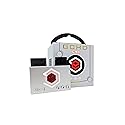
Description
Brand: E E·O·N
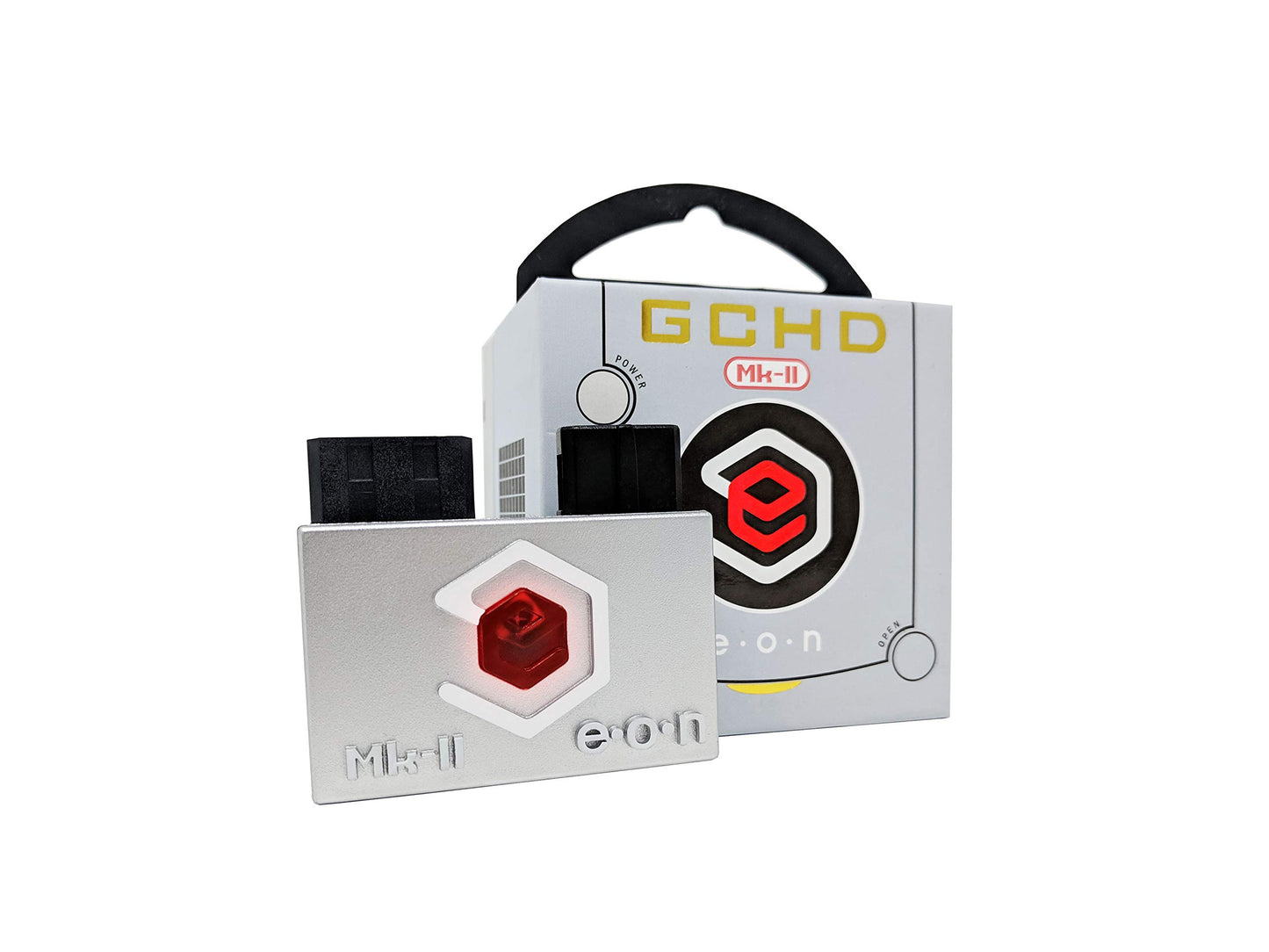
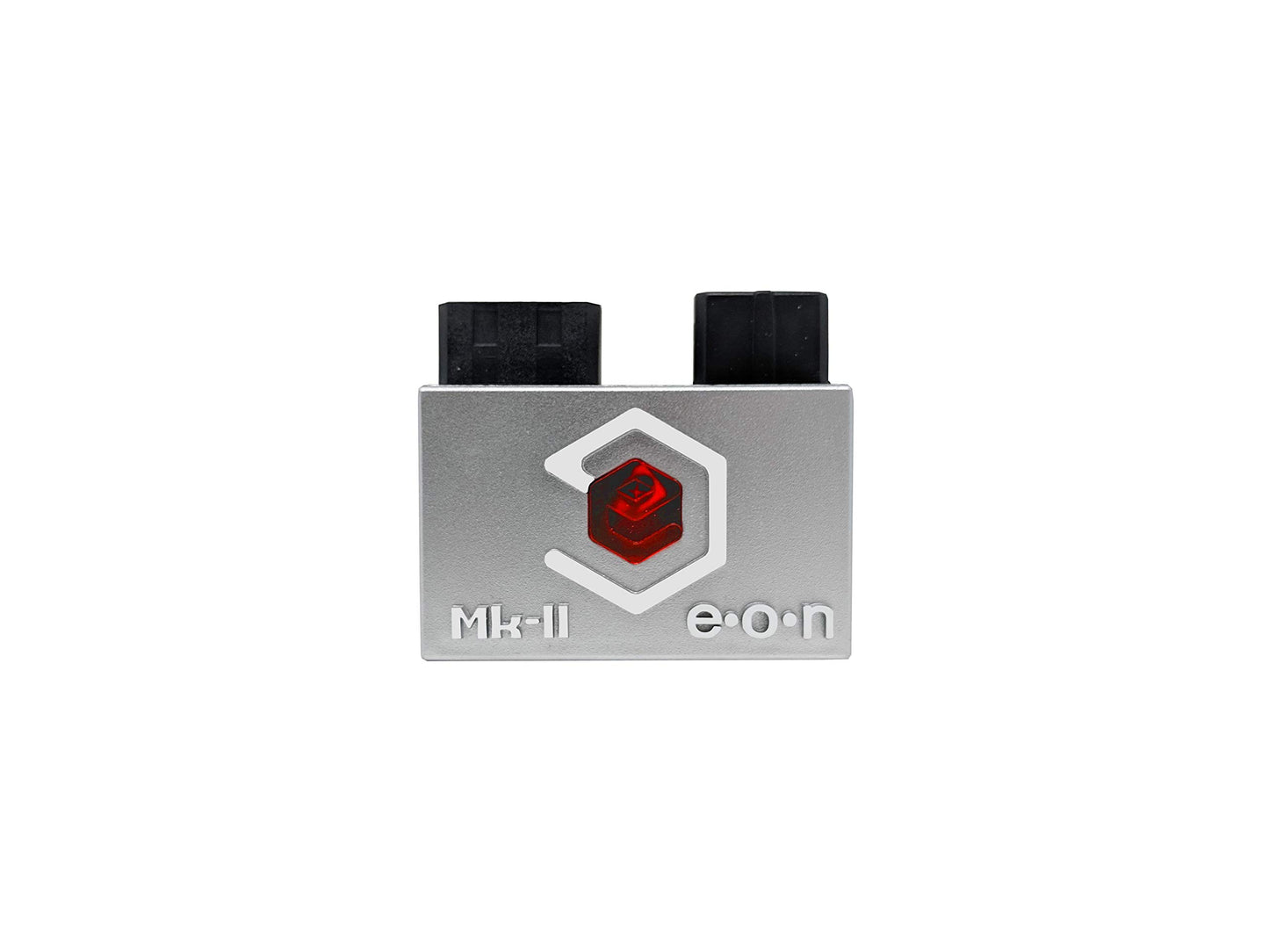
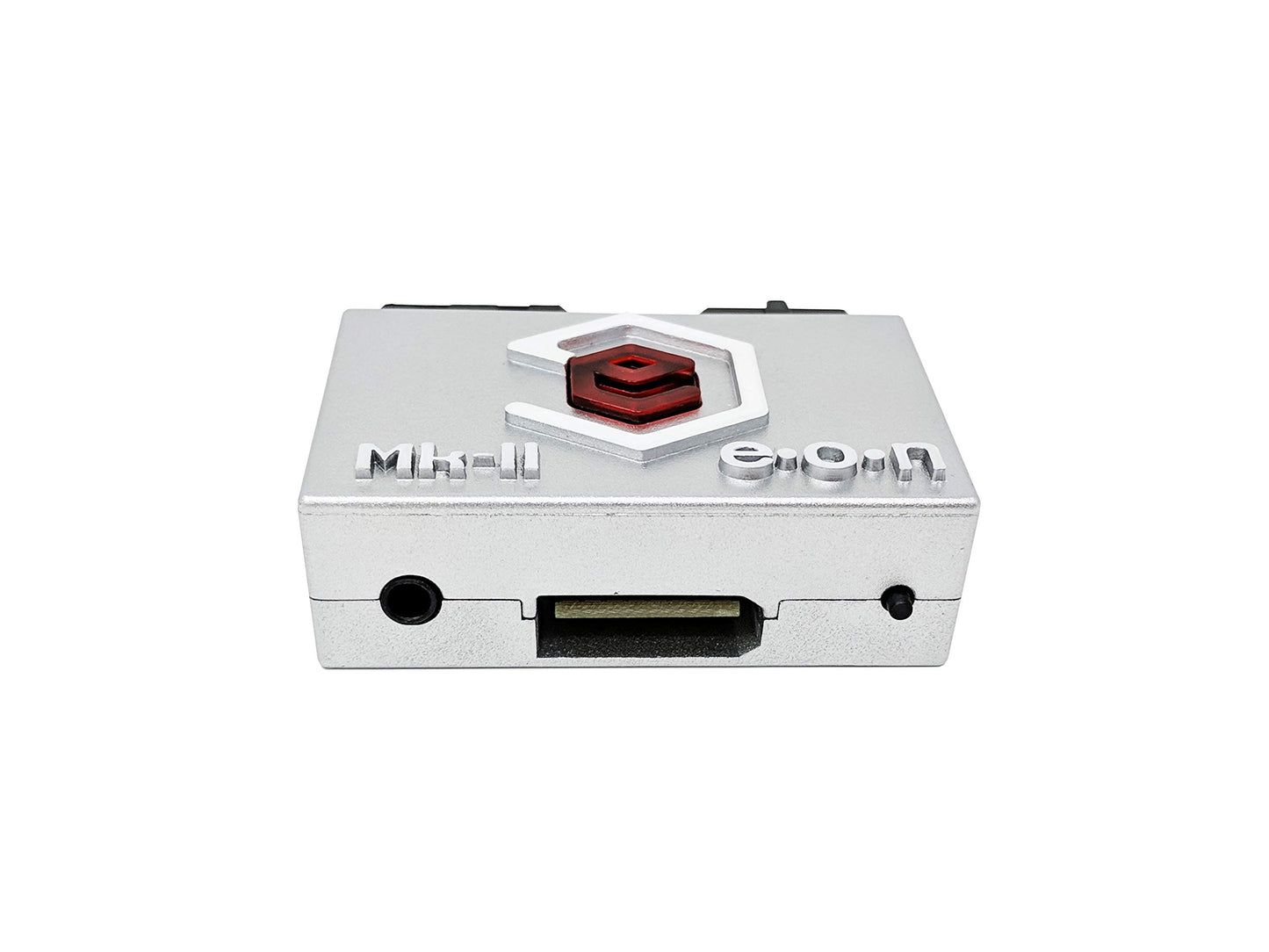
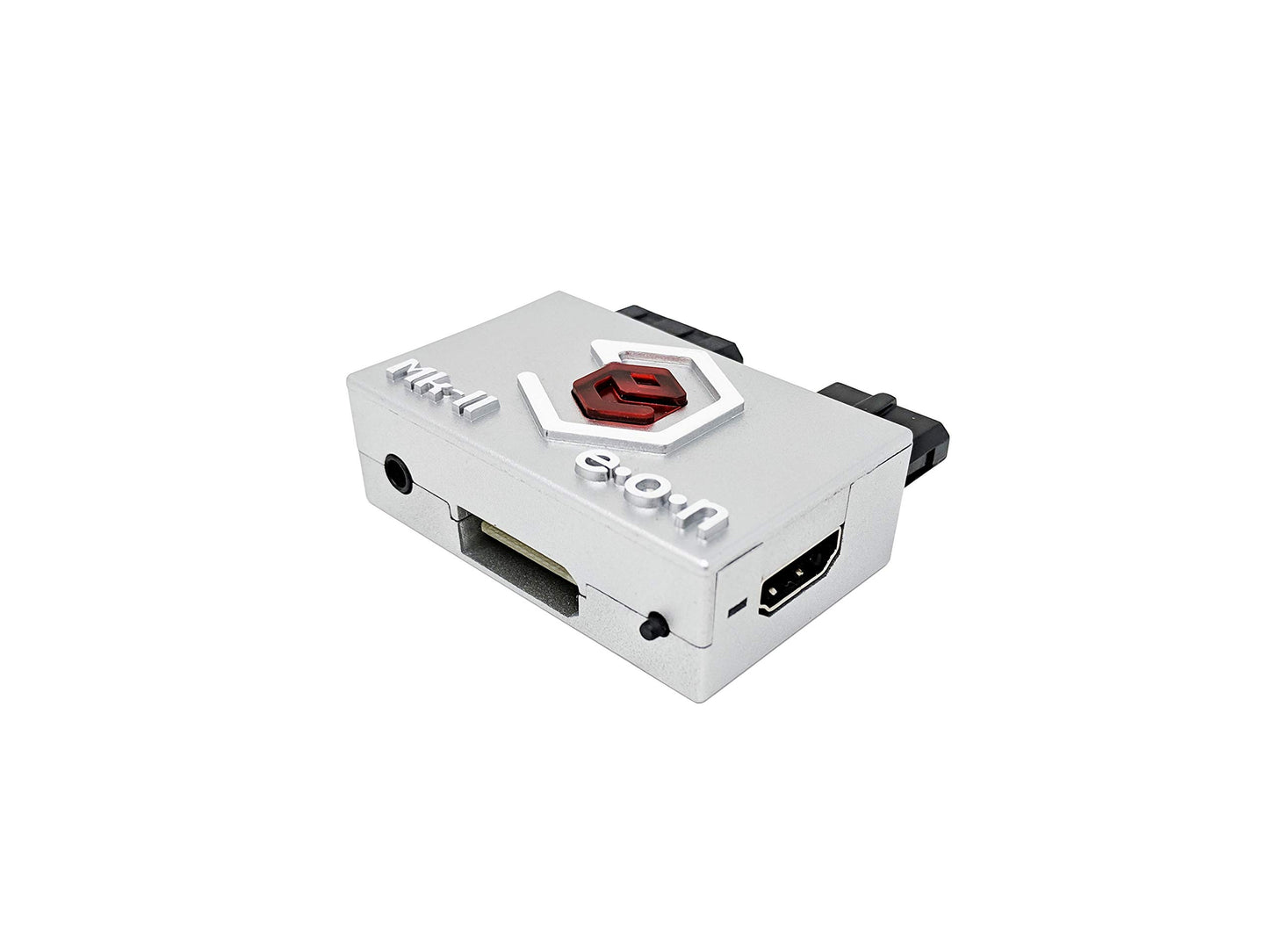
MK-II Features:A) Analog and optical digital audioThe Mk-II includes a 3.5mm jack with analog and optical digital audio output. To output audio directly from GameCube, simply connect the 3.5mm auxiliary cable or Mini TOSLINK fiber optic connector. With EON's custom firmware, the GCHD Mk-II is the most comprehensive solution for GameCube audio and video needs.B) Wii Components and SCART PortsMk II also supports high quality analog video output in YPbPr or RGB format. To use, simply connect the Wii component or Scart cable.Supported video formats: Ypbpr, RGBS, RGSBNote: Upgradable firmware GCHD Mk-II firmware can be upgraded via SPI. However, this is not recommended. Selecting firmware changes will void the warranty. FHow to connect GCHD MK-II:The GCHD Mk-II only works with GameCube of DOL-001 (1st Generation)Make sure GameCube has a digital AV output port.Setup Instructions:Step 1: Insert the GCHD Mk-II securely into both the digital AV port and analog AV port.Step 2: Connect the GCHD Mk-II to your TV with the desired cable (HDMI or Wii Component/SCART).Step 3: Connect the power to the GameCubeEnable progressive scan mode (480p mode)Step 4: Press "B" while the game activates to activate progressive scanning mode.Step 5: Enjoy HD play with the highest resolution.About IR Sensor:Customize with GCHD MK-II IR menu.
• Plug and Play
• Digital Out
• Component Video out
• Aux/MiniTOSLINK audio out
• Custom Firmware
Color: Silver
MK-II Features:A) Analog and optical digital audioThe Mk-II includes a 3.5mm jack with analog and optical digital audio output. To output audio directly from GameCube, simply connect the 3.5mm auxiliary cable or Mini TOSLINK fiber optic connector. With EON's custom firmware, the GCHD Mk-II is the most comprehensive solution for GameCube audio and video needs.B) Wii Components and SCART PortsMk II also supports high quality analog video output in YPbPr or RGB format. To use, simply connect the Wii component or Scart cable.Supported video formats: Ypbpr, RGBS, RGSBNote: Upgradable firmware GCHD Mk-II firmware can be upgraded via SPI. However, this is not recommended. Selecting firmware changes will void the warranty. FHow to connect GCHD MK-II:The GCHD Mk-II only works with GameCube of DOL-001 (1st Generation)Make sure GameCube has a digital AV output port.Setup Instructions:Step 1: Insert the GCHD Mk-II securely into both the digital AV port and analog AV port.Step 2: Connect the GCHD Mk-II to your TV with the desired cable (HDMI or Wii Component/SCART).Step 3: Connect the power to the GameCubeEnable progressive scan mode (480p mode)Step 4: Press "B" while the game activates to activate progressive scanning mode.Step 5: Enjoy HD play with the highest resolution.About IR Sensor:Customize with GCHD MK-II IR menu.
• Plug and Play
• Digital Out
• Component Video out
• Aux/MiniTOSLINK audio out
• Custom Firmware
Color: Silver
Additional Information
Delivery Information
Swift, Secure, and Reliable Shipping
At craftedyogi.com, we understand how important fast and dependable delivery is when it comes to your electronics. Whether it's a gadget, accessory, or device, we are committed to providing a seamless and efficient shipping experience to ensure your electronics arrive safely and on time.
Our Shipping Process
Order Processing
As soon as you place your order, our dedicated team begins processing it promptly to ensure quick dispatch. We aim to ship all electronics within 2 business days of order confirmation, excluding weekends and holidays.
Secure Packaging
Your electronics are valuable, and we treat them with the highest level of care. Each item is carefully packed using high-quality, protective packaging materials to prevent damage during transit. We ensure your products arrive in excellent condition, ready to use.
Shipping Partners
We partner with reputable and trusted shipping carriers to guarantee safe and timely delivery. Once your order ships, you’ll receive a tracking number so you can monitor your package in real time and stay updated on its delivery status.
Transit Time
USA Shipping: 4–7 business days after dispatch.
Shipping Costs
We Offer free shipping for Domestic orders inside USA.
Delivery Support
Our customer support team is here to assist you every step of the way. If you have any questions about your order, shipping timelines, or tracking details, please feel free to contact us:
📧 Email: support@craftedyogi.com
We’re dedicated to ensuring your electronics reach you quickly and securely. Your satisfaction is our top priority.
Thank you for choosing craftedyogi.com for your electronics needs. We look forward to delivering innovation and convenience right to your doorstep. Unbox with confidence and enjoy your new technology!
Reviews
My Wishlist
Wishlist is empty.
Compare
Shopping cart


