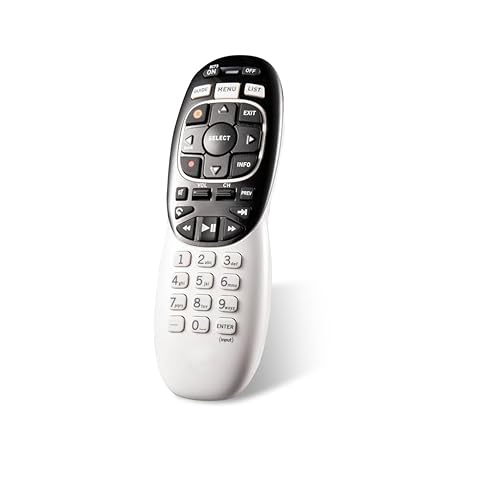
Description
Brand: Squarvo
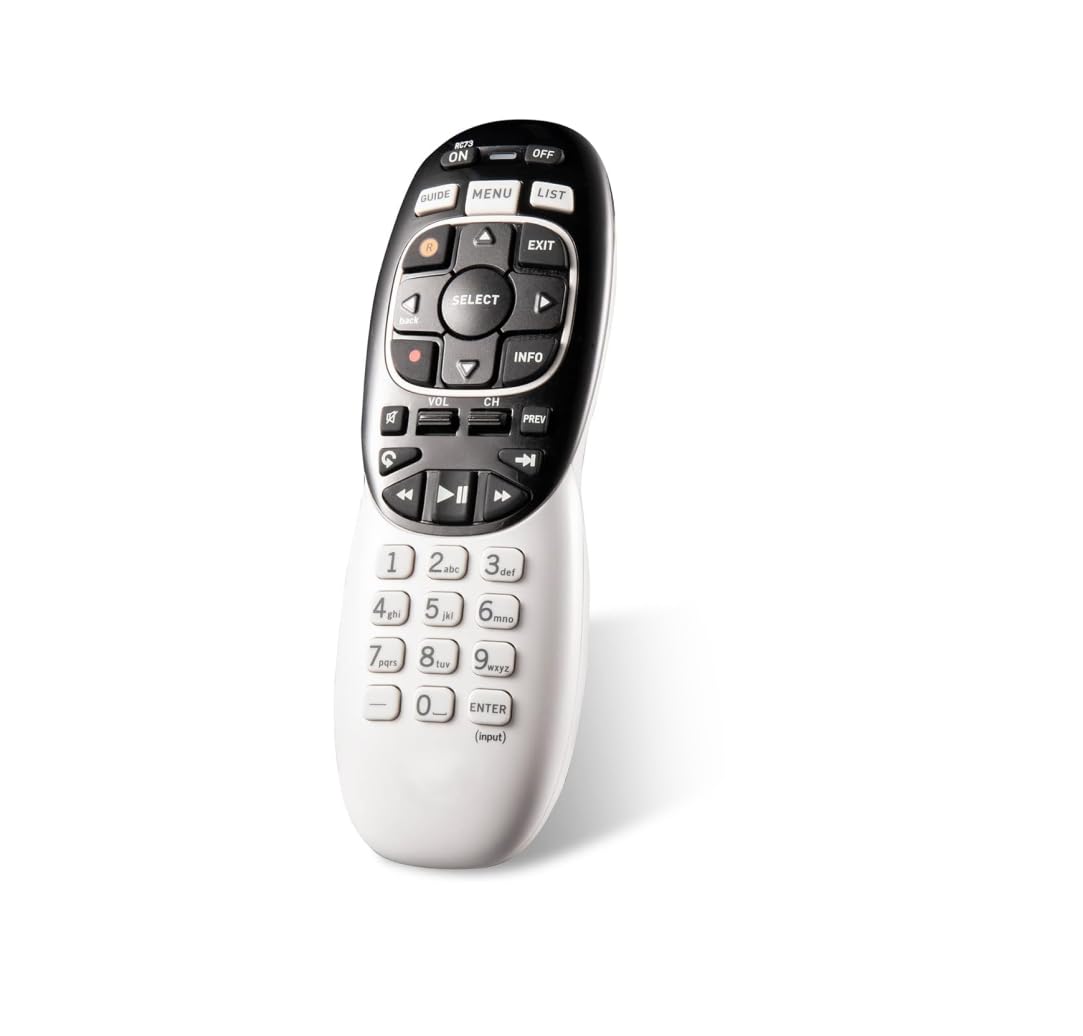
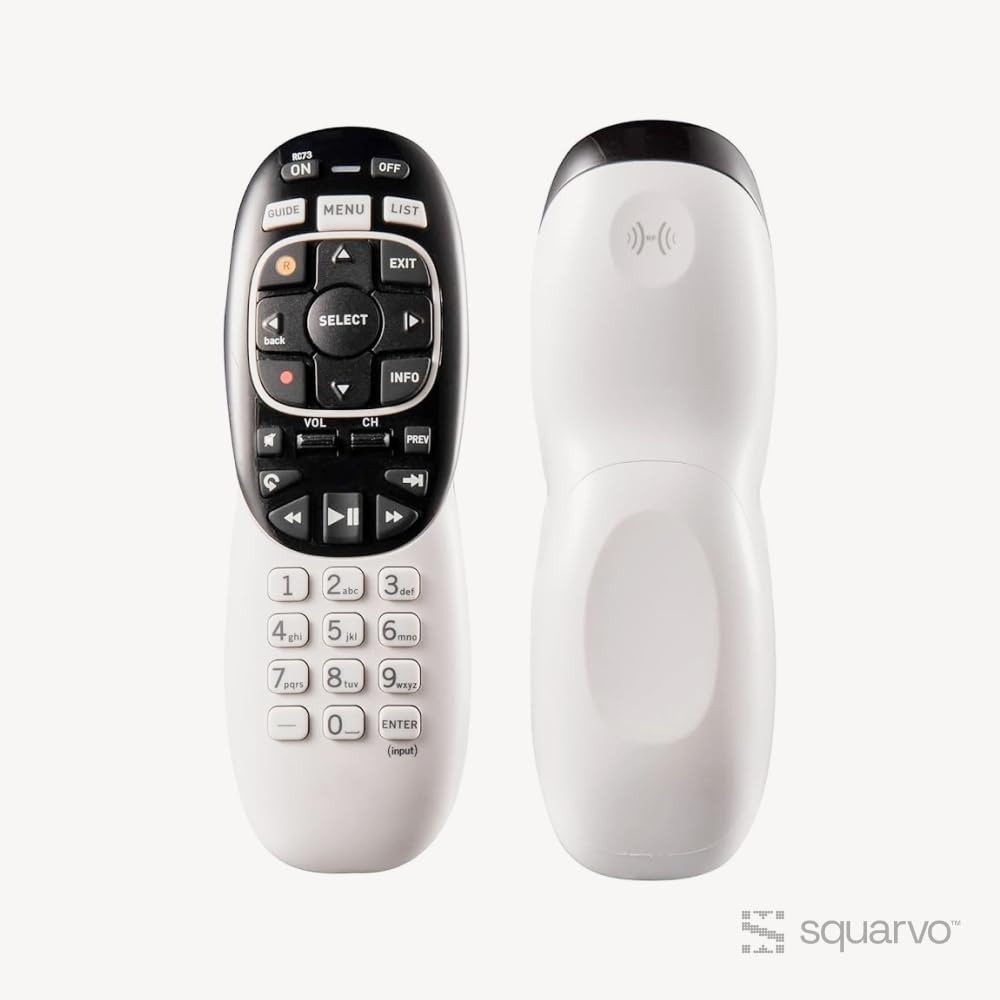
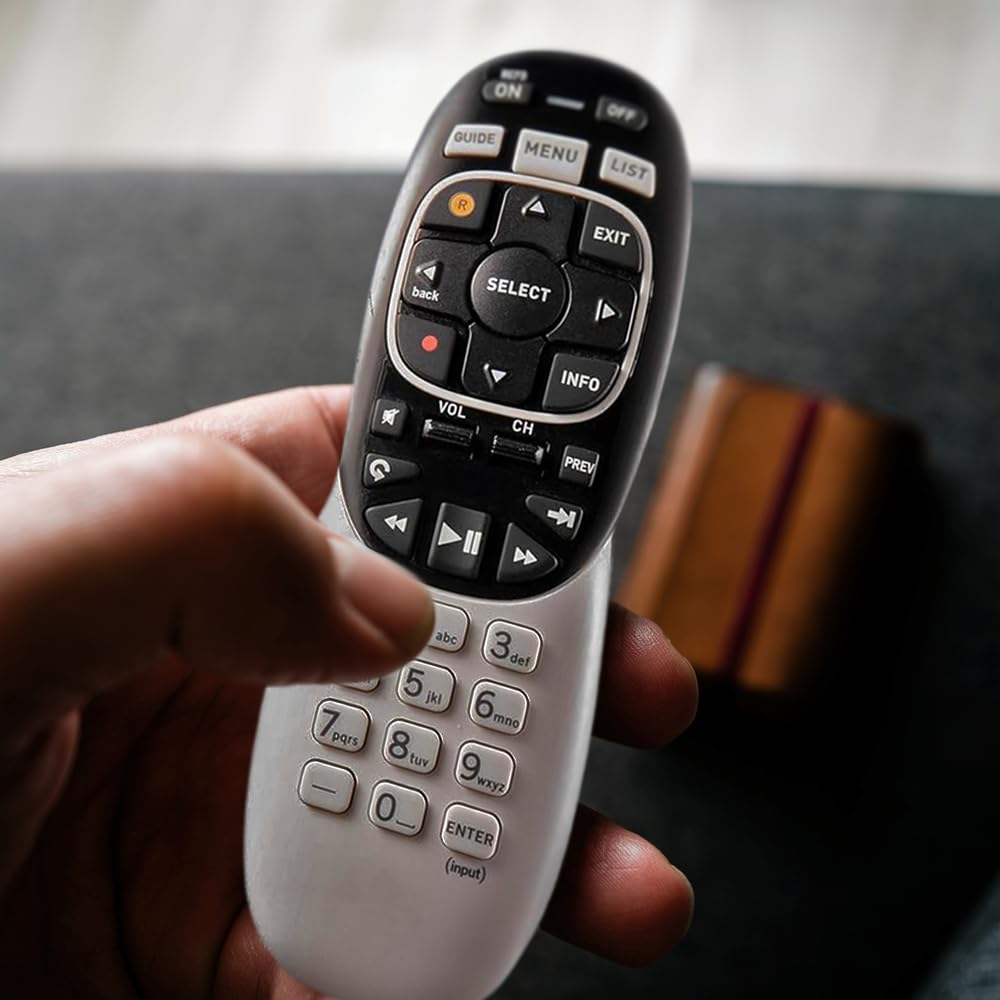
<p>This DIRECTV remote control is an exact replacement for the original remote control that came with your Genie HD DVR or Genie Mini. It features all the same functions and buttons, including the ability to control your TV, set-top box, and other connected devices. The remote control uses infrared technology to communicate with your devices, and it comes with batteries and instructions for easy installation.</p> <p><strong>Follow these steps to pair your remote:</strong></p> <p>Point the remote at your Genie HD DVR, Wireless Genie Mini or Genie Mini.</p> <p>Hold down MUTE and ENTER until the green light blinks twice, then let go. The TV will display “Applying IF/RF setup”. You are now in RF mode.</p> <p>(The remote will now be paired with this receiver and will not control any other receivers unless the remote is reset)</p> <p>Turn on the device you need to pair.</p> <p>Press the Menu button on the remote. Go to Settings & Help> Settings > Remote Control > Program Remote.</p> <p>Follow the prompts on the screen to pair the device</p> <p><strong>You can also manually program DirecTV genie remote if the automatic process fails for some reason. To do this, follow these steps:</strong></p> <p>Point the remote at your Genie receiver.</p> <p>Hold down the Mute and Select buttons. When the green light blinks, let go of the buttons.</p> <p>Enter 961, Press the Channel Up button and then press Enter.</p> <p>Your TV will display “Your remote is now set up for RF”, press OK.</p> <p>Turn on the device you need to pair.</p> <p>Press the Menu key and navigate to Settings & Help > Settings > Remote Control > Program Remote</p> <p>Select your device from the list on the screen and follow the prompts on the screen to finish pairing.</p>
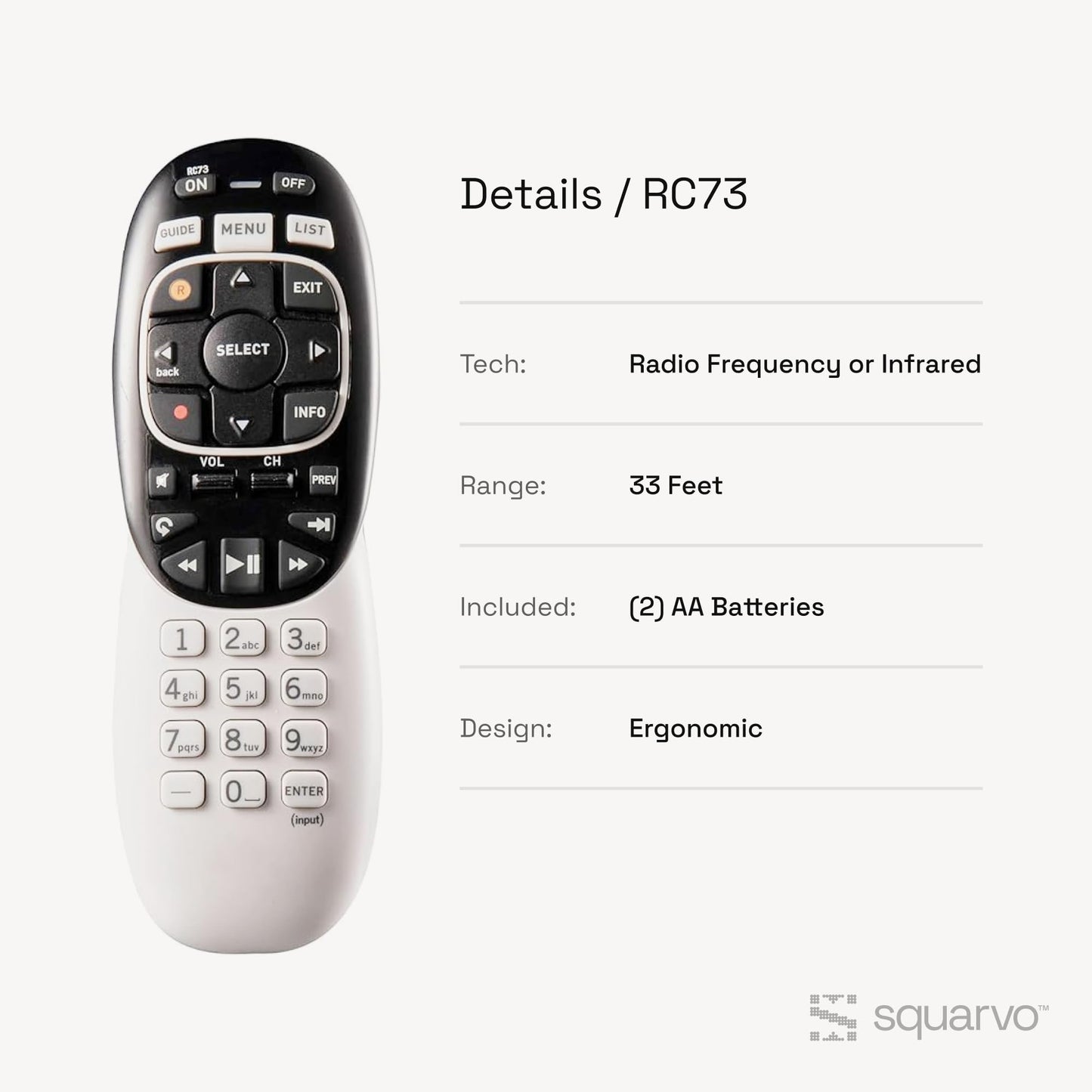
• Genie Remote is compatible with Genie (model HR44 or above), Genie Lite (model H44 or above), Genie Mini (model C41 or above), 4K Genie Mini (model C61K or above), and Wireless Genie Mini (model C41W or above) in RF mode(no need to point)
• Also compatible with all DIRECTV receivers and DIRECTV Ready TVs in IR mode (requires pointing at the equipment)
• The RC73 Genie Remote replaces the RC71 and RC72 with better support for new TVs
• Batteries, instructions, and room label stickers Included
Model: RC73
Color: White
<p>This DIRECTV remote control is an exact replacement for the original remote control that came with your Genie HD DVR or Genie Mini. It features all the same functions and buttons, including the ability to control your TV, set-top box, and other connected devices. The remote control uses infrared technology to communicate with your devices, and it comes with batteries and instructions for easy installation.</p> <p><strong>Follow these steps to pair your remote:</strong></p> <p>Point the remote at your Genie HD DVR, Wireless Genie Mini or Genie Mini.</p> <p>Hold down MUTE and ENTER until the green light blinks twice, then let go. The TV will display “Applying IF/RF setup”. You are now in RF mode.</p> <p>(The remote will now be paired with this receiver and will not control any other receivers unless the remote is reset)</p> <p>Turn on the device you need to pair.</p> <p>Press the Menu button on the remote. Go to Settings & Help> Settings > Remote Control > Program Remote.</p> <p>Follow the prompts on the screen to pair the device</p> <p><strong>You can also manually program DirecTV genie remote if the automatic process fails for some reason. To do this, follow these steps:</strong></p> <p>Point the remote at your Genie receiver.</p> <p>Hold down the Mute and Select buttons. When the green light blinks, let go of the buttons.</p> <p>Enter 961, Press the Channel Up button and then press Enter.</p> <p>Your TV will display “Your remote is now set up for RF”, press OK.</p> <p>Turn on the device you need to pair.</p> <p>Press the Menu key and navigate to Settings & Help > Settings > Remote Control > Program Remote</p> <p>Select your device from the list on the screen and follow the prompts on the screen to finish pairing.</p>
• Genie Remote is compatible with Genie (model HR44 or above), Genie Lite (model H44 or above), Genie Mini (model C41 or above), 4K Genie Mini (model C61K or above), and Wireless Genie Mini (model C41W or above) in RF mode(no need to point)
• Also compatible with all DIRECTV receivers and DIRECTV Ready TVs in IR mode (requires pointing at the equipment)
• The RC73 Genie Remote replaces the RC71 and RC72 with better support for new TVs
• Batteries, instructions, and room label stickers Included
Model: RC73
Color: White
Additional Information
Delivery Information
Swift, Secure, and Reliable Shipping
At craftedyogi.com, we understand how important fast and dependable delivery is when it comes to your electronics. Whether it's a gadget, accessory, or device, we are committed to providing a seamless and efficient shipping experience to ensure your electronics arrive safely and on time.
Our Shipping Process
Order Processing
As soon as you place your order, our dedicated team begins processing it promptly to ensure quick dispatch. We aim to ship all electronics within 2 business days of order confirmation, excluding weekends and holidays.
Secure Packaging
Your electronics are valuable, and we treat them with the highest level of care. Each item is carefully packed using high-quality, protective packaging materials to prevent damage during transit. We ensure your products arrive in excellent condition, ready to use.
Shipping Partners
We partner with reputable and trusted shipping carriers to guarantee safe and timely delivery. Once your order ships, you’ll receive a tracking number so you can monitor your package in real time and stay updated on its delivery status.
Transit Time
USA Shipping: 4–7 business days after dispatch.
Shipping Costs
We Offer free shipping for Domestic orders inside USA.
Delivery Support
Our customer support team is here to assist you every step of the way. If you have any questions about your order, shipping timelines, or tracking details, please feel free to contact us:
📧 Email: support@craftedyogi.com
We’re dedicated to ensuring your electronics reach you quickly and securely. Your satisfaction is our top priority.
Thank you for choosing craftedyogi.com for your electronics needs. We look forward to delivering innovation and convenience right to your doorstep. Unbox with confidence and enjoy your new technology!
Reviews
My Wishlist
Wishlist is empty.
Compare
Shopping cart


