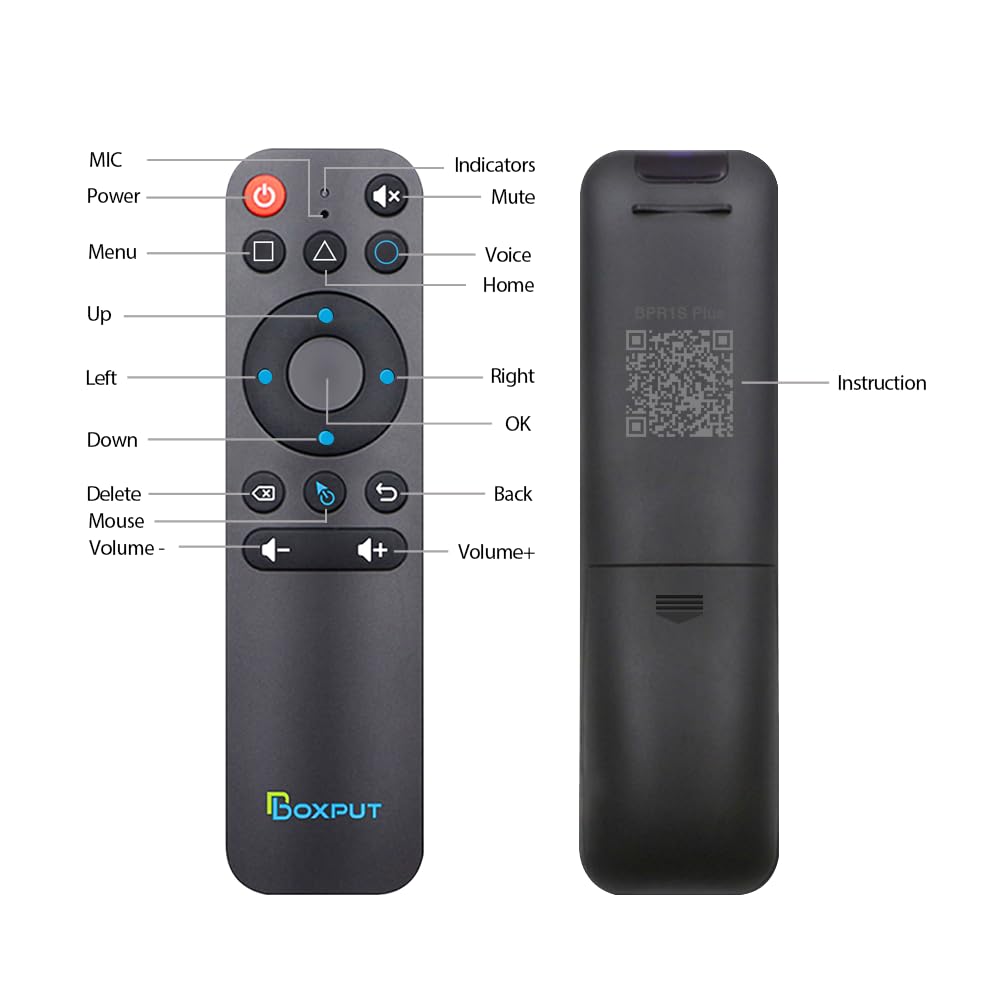
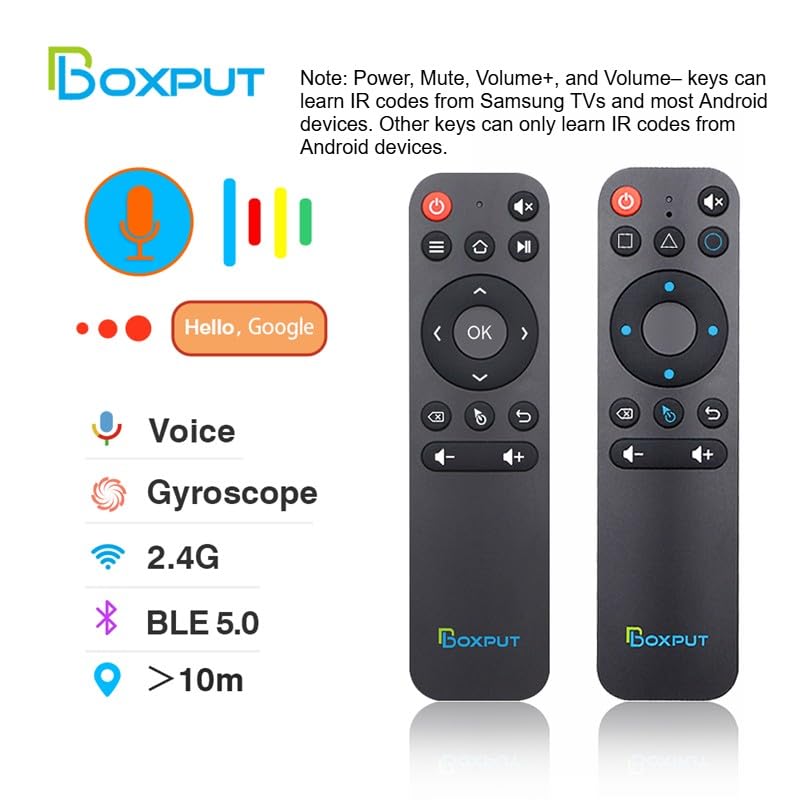
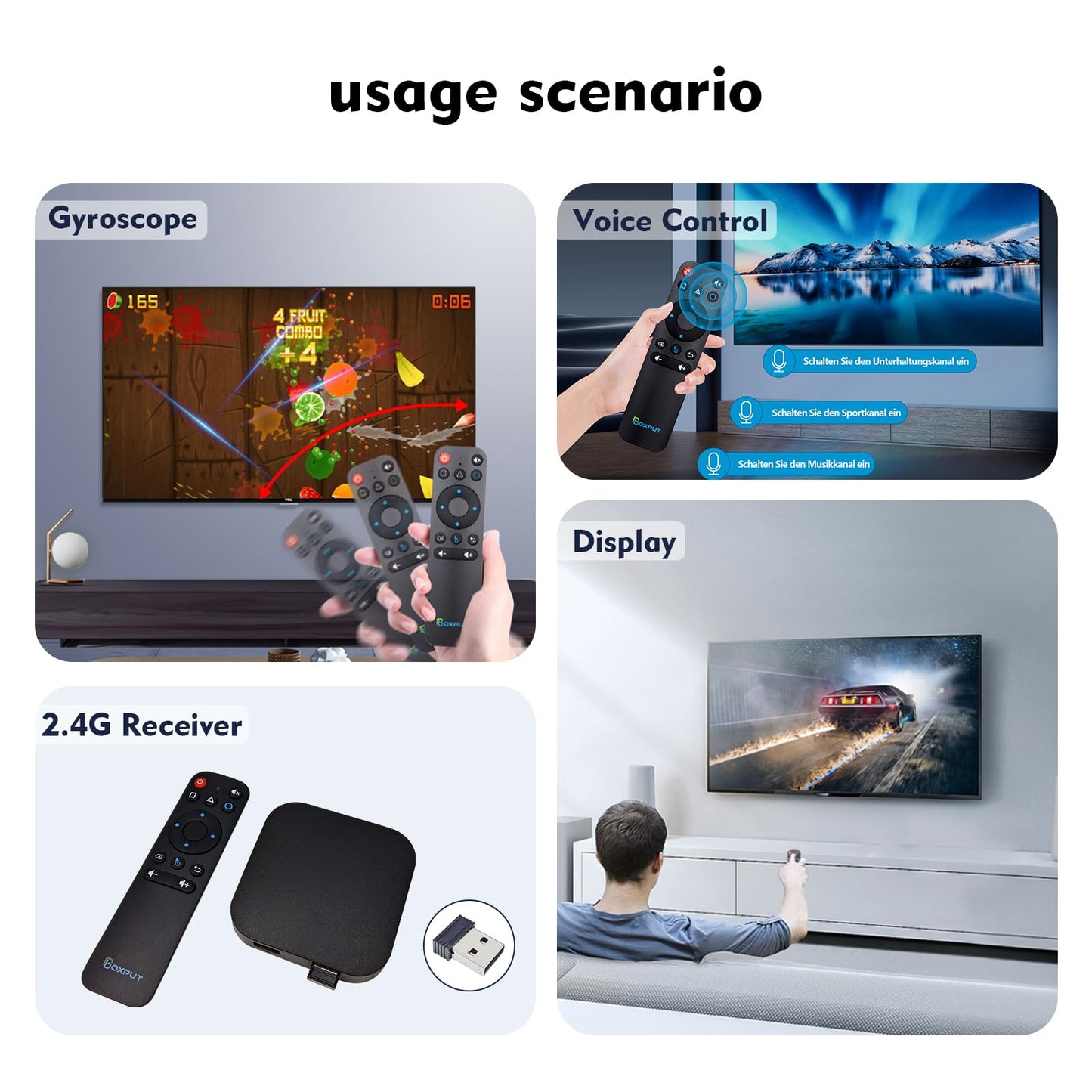
<p>Hardware specifications</p> <p>? Model Number: BPR1S Plus</p> <p>? Transmission method: BT+IR+2.4G</p> <p>? Distance >10m</p> <p>? Net weight : 0.11 lb</p> <p>? Product Material : Plastic</p> <p>? Color: Black</p> <p>? Product Size: 6.47 x 1.6 x 0.78 inches</p> <p>? Product Category : BT Air Mouse Remote</p> <p>? Battery Type: AAA*2 (Not included)</p> <p>? Voice remote control: YES</p> <p>? Gyroscope: YES</p> <p>? IR full keys learning: YES</p> <p>? 2.4G Wireless: YES</p> <p>?Simple to use?The ergonomics of the air mouse remote control will replace the fixed computer mouse and infrared button remote control, allowing you to conveniently manage your computer and TV from the most comfortable position.</p> <p>? Muti-connection methods?The BPR1S Plus BT voice remote control support BT + IR +2.4G connection, you can use this magic remote control to control most android device to enjoy your home entertainment.</p> <p>?Supports firmware upgrades?This air mouse remote for android tv box supports OTA, through the firmware upgrade, can solve the bugs and some compatibility problems.</p> <p>?Product Application Occasion?Andrid TV box, Android TV Stick, Smart projector, Some smart TVs, mobile phone, tablet computer,desktop computer, all-in-one, multi-scene application.</p> <p>?Incompatible devices?Fire Stick, DVB Box, ROKU Box, MAG Box, Apple Box and some LG S-amsung TVs.</p> <p>BT Pairing</p> <p>1. To pair another new device, press “OK” and “Back” at the same time till the light flashing.</p> <p>2. Keep the remote control within 1 meter of the device for faster pairing.</p> <p>3. Open BT searching, and pair with “BOXPUT | BPR1S Plus”.</p> <p>2.4G Pairing</p> <p>1. Keep pressing the “OK” and “Back” at the same time till the light flashes.</p> <p>2. Plug in the USB receiver and keep the remote near the USB receiver within 50 cm for faster pairing.</p> <p>3. The indicator light stops flashing to indicate successful pairing.</p> <p>IR Learning (All buttons)</p> <p>1. Press the button that needs to learn for 8 seconds till it’s flashing, then release (The indicator light on after flashing).</p> <p>2. Align the IR, press the button that would be learned, it shows success when the indicator light flashing.</p> <p>3. Repeat 1~2 to learn the other buttons.</p> <p>4. Press “Delete” and “Back” at the same time till the light flashes to reset IR.</p>
• ?Full IR Learning & Universal Control?The BPR1S Plus remote supports IR learning for all buttons, making it compatible with most AOSP devices, Android smart TVs, and some ATV devices. Buttons without IR learning function in 2.4G/BT mode. Once IR learning is complete, the power button prioritizes sending IR signals. Works seamlessly as a replacement USB remote control for TV or remote for Android box. • ?Simple Voice Input?Easily search TV programs with the built-in voice assistant. In 2.4G mode, voice works with Android TV and ATV devices • in BT mode, it’s compatible with select devices like TCL Smart TV, Shield TV, HAKO mini, and Google TV. Voice commands work in supported apps, allowing your TV box to be controlled smoothly with the BT remote. • ?Wireless 2.4G RF & Plug-and-Play?This remote comes with a USB receiver for easy setup. Just plug it in and insert two AAA batteries (not included) - no drivers or complicated programming required. Enjoy stable control up to 10 meters, ideal for use as a PC monitor remote, USB remote for TV Box, or remote with USB controller for Raspberry. • ?Precise Pointing?The BPR1S Plus replacement Remote Control helps to accurately remote control TV or PC with 6-axis gyroscope sensor. Hold the air mouse remote and turn your wrist, it can be converted into the movement of the cursor on the screen, allowing you to remotely control computers, TV Box, TV stick and other entertainment equipment. • ?Firmware Description?This newly upgraded BPR1S PLUS remote control comes with two firmware versions. The default version is the standard version, suitable for TV boxes, TV sticks, and TVs. The other version is the PC version, designed for computers and tablets. To switch the remote to PC mode, press and hold both the "OK" button and the "Mouse" button until the indicator light blinks once. To switch back to the standard mode, repeat this process. • ?Attention - Not Compatible Devices?This universal remote control is not compatible with Fire Stick, DVB Box, ROKU Box, MAG Box, Apple Box, LG and Samsung TVs. If you are unsure whether your media player is compatible with this remote as a replacement for the original, please contact us before purchasing.
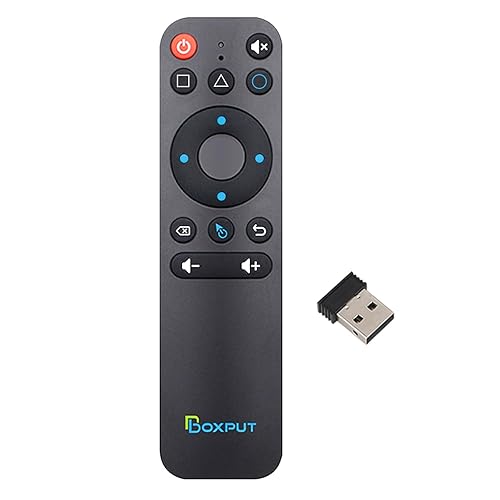
Model: BPR1S PLUS Color: Black
Additional Information
Delivery Information
Delivery Information
Swift, Secure, and Reliable Shipping
At craftedyogi.com, we understand how important fast and dependable delivery is when it comes to your electronics. Whether it's a gadget, accessory, or device, we are committed to providing a seamless and efficient shipping experience to ensure your electronics arrive safely and on time.
Our Shipping Process
Order Processing
As soon as you place your order, our dedicated team begins processing it promptly to ensure quick dispatch. We aim to ship all electronics within 2 business days of order confirmation, excluding weekends and holidays.
Secure Packaging
Your electronics are valuable, and we treat them with the highest level of care. Each item is carefully packed using high-quality, protective packaging materials to prevent damage during transit. We ensure your products arrive in excellent condition, ready to use.
Shipping Partners
We partner with reputable and trusted shipping carriers to guarantee safe and timely delivery. Once your order ships, you’ll receive a tracking number so you can monitor your package in real time and stay updated on its delivery status.
Transit Time
USA Shipping: 4–7 business days after dispatch.
Shipping Costs
We Offer free shipping for Domestic orders inside USA.
Delivery Support
Our customer support team is here to assist you every step of the way. If you have any questions about your order, shipping timelines, or tracking details, please feel free to contact us:
We’re dedicated to ensuring your electronics reach you quickly and securely. Your satisfaction is our top priority.
Thank you for choosing craftedyogi.com for your electronics needs. We look forward to delivering innovation and convenience right to your doorstep. Unbox with confidence and enjoy your new technology!
Reviews
Related Products
Recently viewed products
BOXPUT BPR1S Plus Air Mouse Remote 2026 New BT & 2.4G RF Replacement Remote with USB Receiver and Voice Control Supports 6-Axis Gyro IR Learning